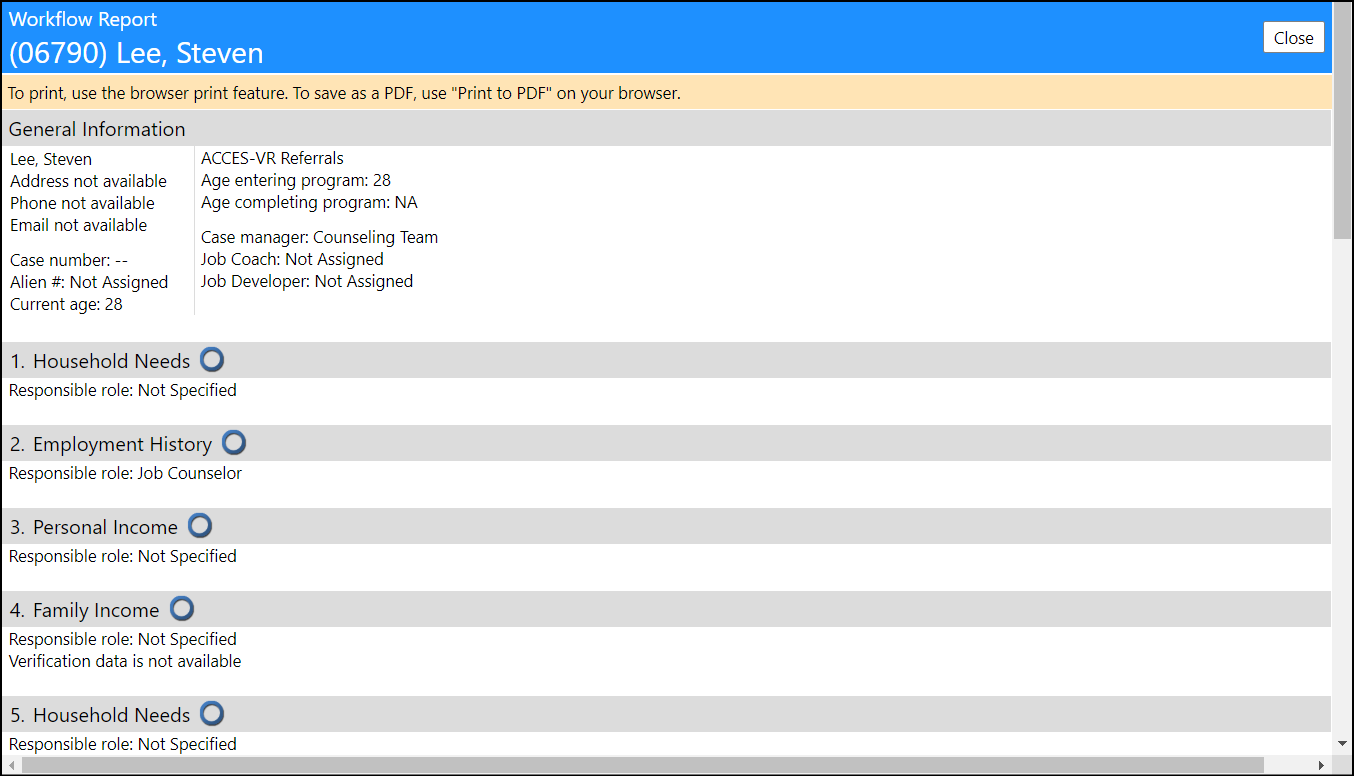
Is there a way I can review a summary report of an Employment Workflow
This article will describe how you can access a summary report of an employment workflow.
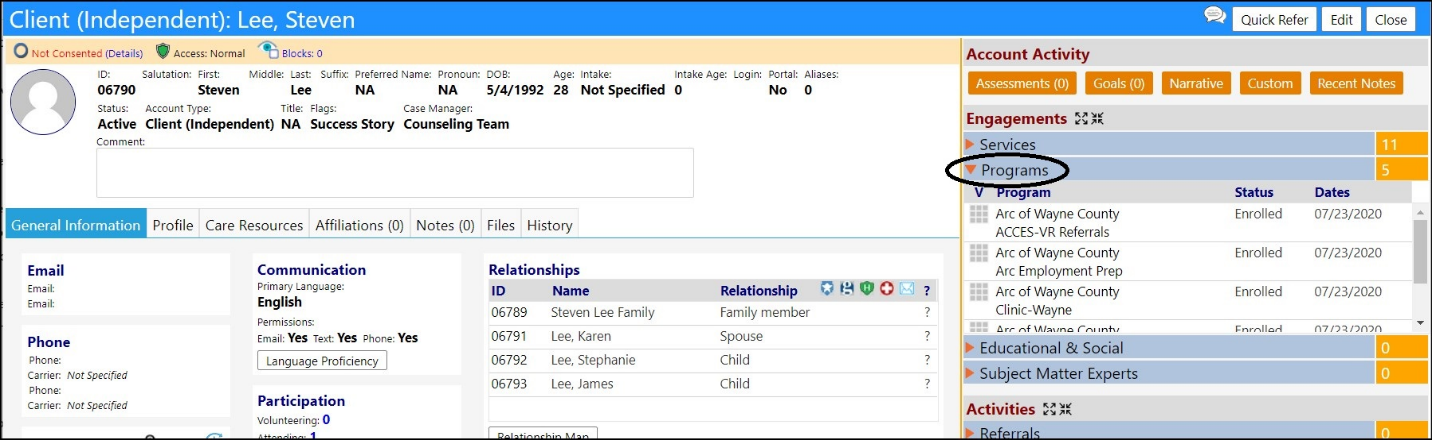
After accessing a client, locate their Programs (located in the Account Activity section, under Engagements)…
- Click on the diamond to the left of Programs to expand the section.
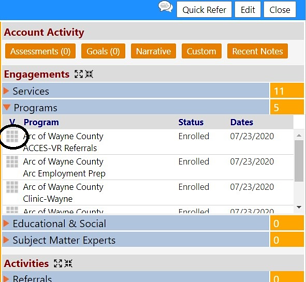
- Locate their Employment Program activity and click on the Edit button.
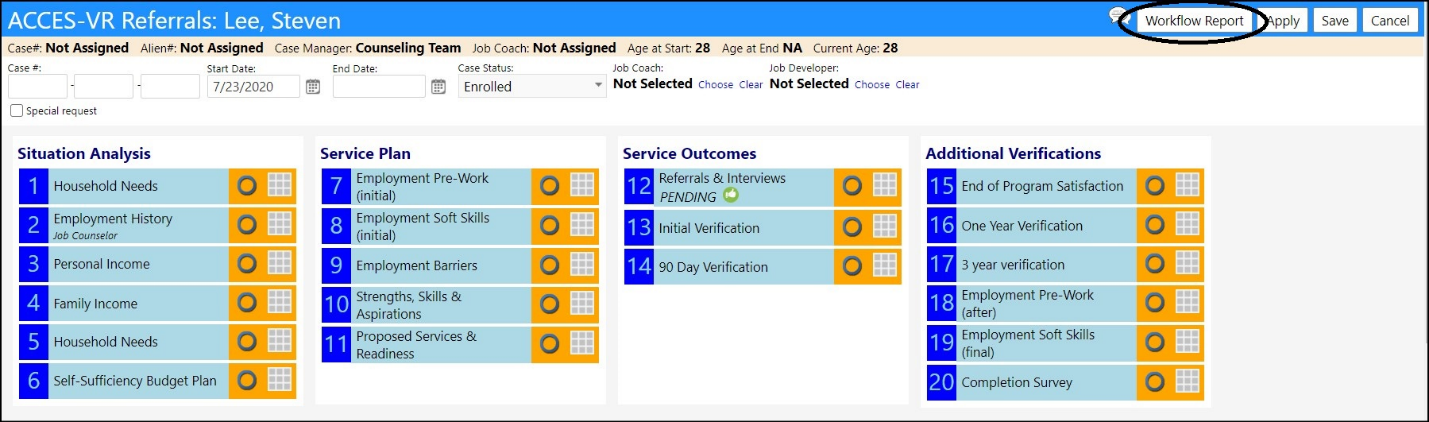
- Click on Workflow Report.
The report will immediately display, showing the actions, responsible parties, statuses, etc.
Note: the greater the amount of details provided in the workflow, the more information which will displayed in your report.