How can I add a procurement method to an organization
This article will describe how to add a procurement method to an organization.
Before any Procurement Methods can be added to an organization, they must first be created in the system.
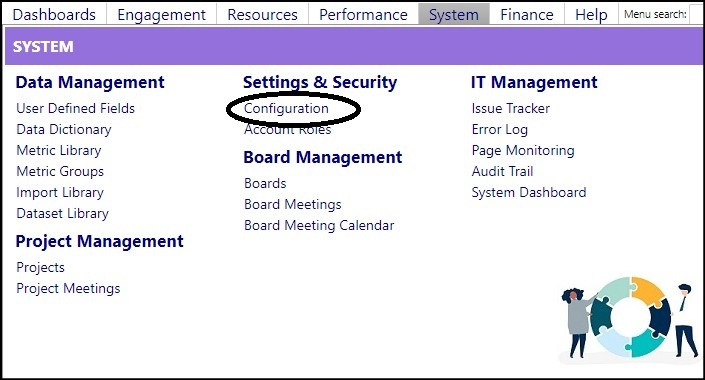
Access the Configuration screen from the Settings & Security section in the System module.
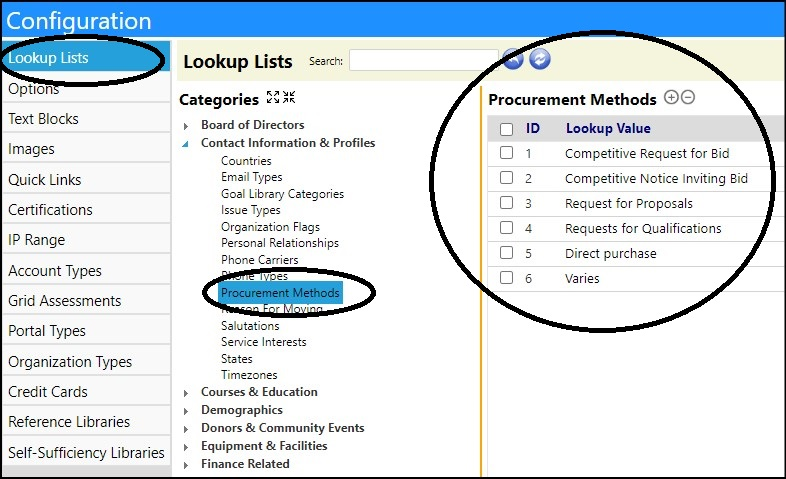
- Select Lookup Lists.
- Search for Procurement Methods inContact Information & Profiles.
- Add Procurement Methods by clicking on the "+" (existing methods can be removed by clicking on the box to the left of theProcurement Method ID and clicking on "-").
Click Return.
Once the Procurement Methods are created, they can be added to the Organization.
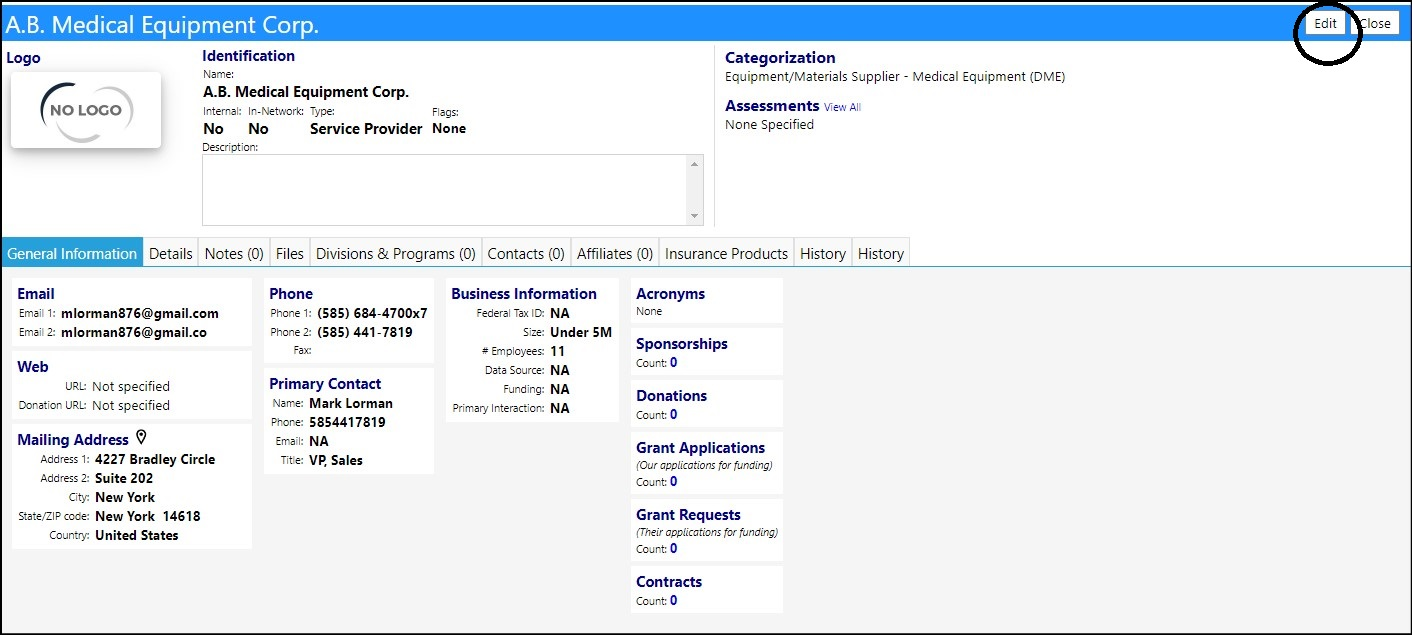
- Access the Organization screen from the Organizations section in the Resources module.
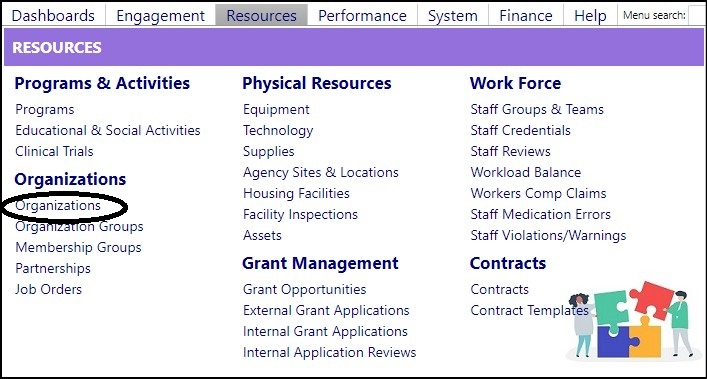
- Select an Organization by clicking on the Organization ID.
- Click Edit.
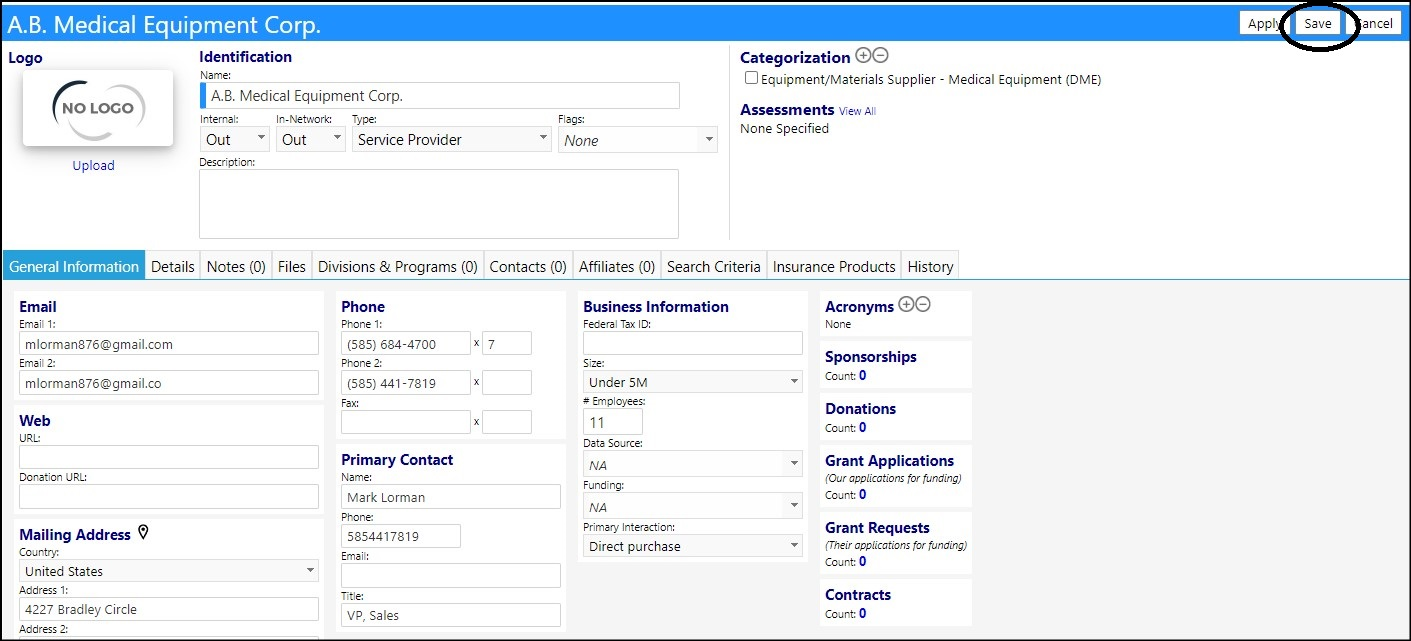
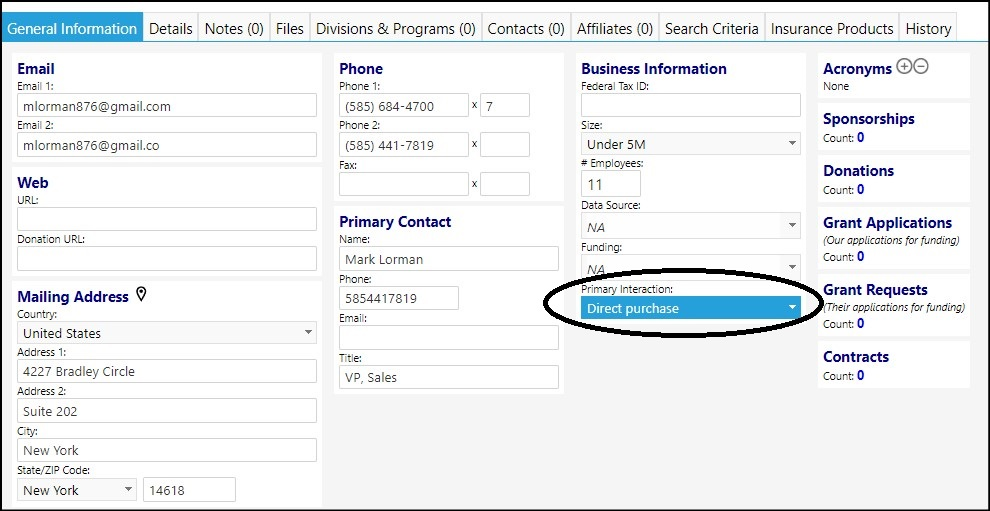
- Select a Procurement Method from the Primary Interaction drop-down list.
NOTE: this list contains the Procurement Methods which were created in the Configuration Lookup Lists.
- Click Save to save your entries.