How do I reset a user's locked account
This article will explain the steps needed to reset a user's locked account.
Users are only given 3 attempts to login, before being locked out of their account for 20 seconds.
_Note: Both the number of login attempts and the lockout time are configurable in the _
Configuration Options.
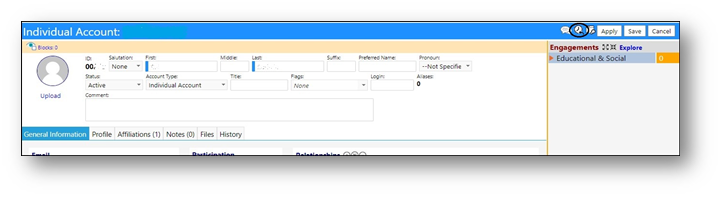
In order to reset the account lockout, access the Account…
- Click on Edit.
- Click on the Lockout Reset
- Exit the Account.