Can I search for accounts using preferred names or aliases
This article will demonstrate how the account filters allow you to search for clients or accounts by aliases or preferred names.
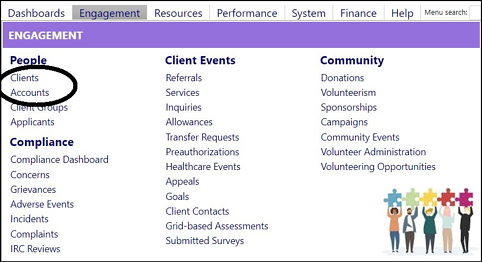
- Open either an Account or a Client Account by selecting either Account orClient in the People section of the Engagement menu.
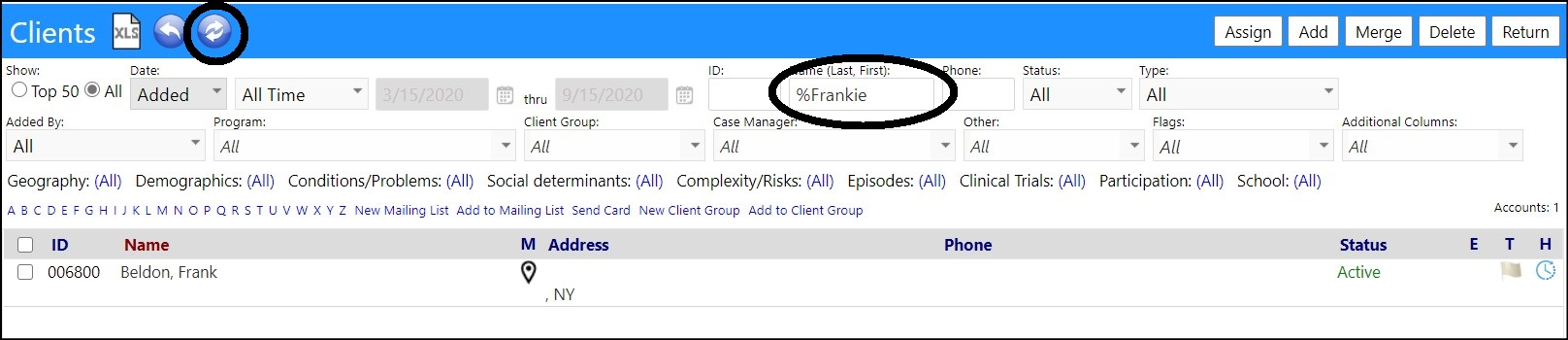
- Enter the desired name, alias, or preferred name into the Name search field.
Note: Use a "%" wildcard when searching names.

- Click the refresh icon.

The search will bring up the account based on either the name, or thepreferred name.
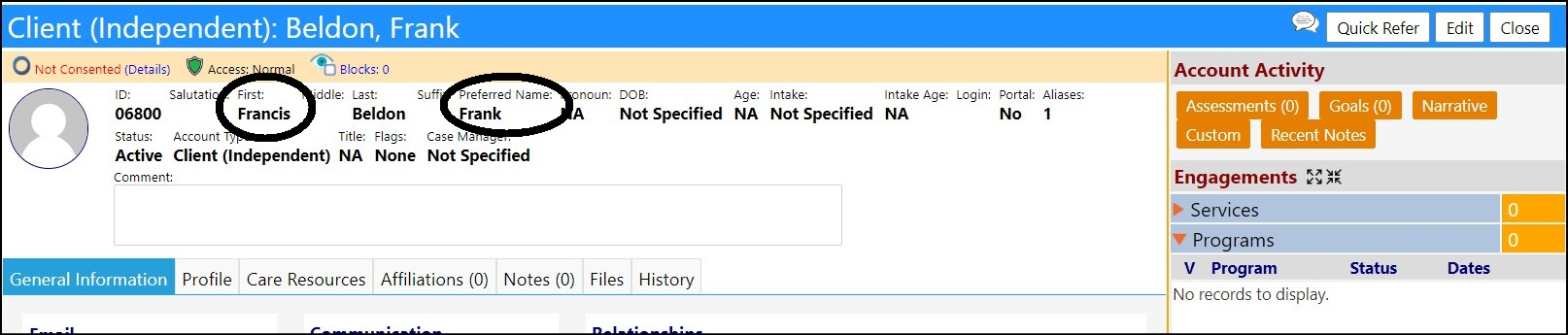
Or, the search will bring up the account based on the aliasname.

Confidential