How do I do a Quick Review in the Wellness Check or Visitor Log
This article describes the use of the Quick Review button in the Wellness Check and Visitor Log.
A Quick Review has been added to Wellness Check and Visitor Log so that with a single click, a supervisor or staff member can quickly document they have reviewed their staffs’ Wellness Checks or the Visitor Log.
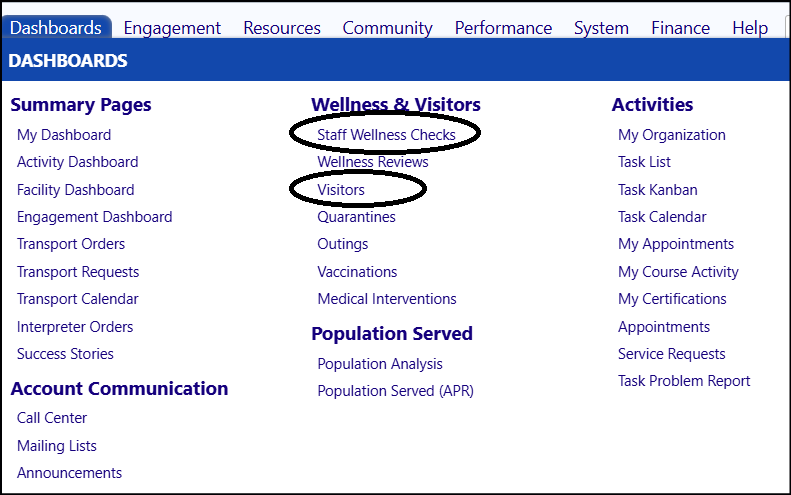
- Access the Quick Review button in either the Staff Wellness Checks or theVisitors log in the Wellness & Visitor section of the Dashboards menu.
- Click Quick Review.
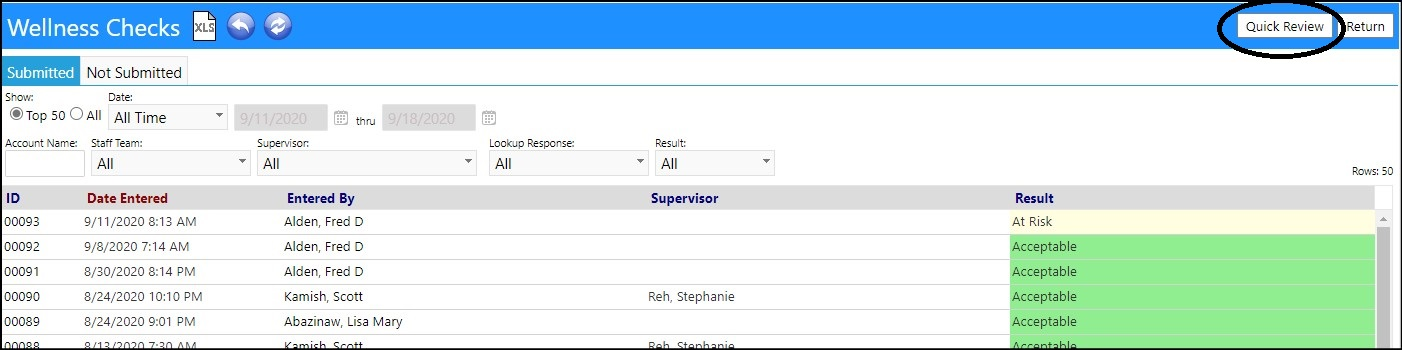

- The Quick Review would appear in the Wellness Review.
If someone wants to do a full review, where they can attach notes or files, that can still be done through the Wellness Reviews screen. The Quick Review is just a shortcut for doing the same thing without notes or files.
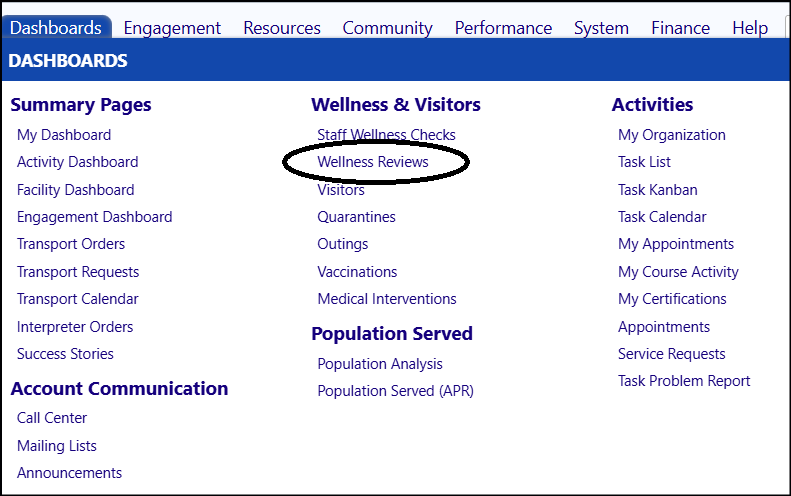
- Access the Wellness Reviews in the Wellness & Visitor section of the Dashboards menu.
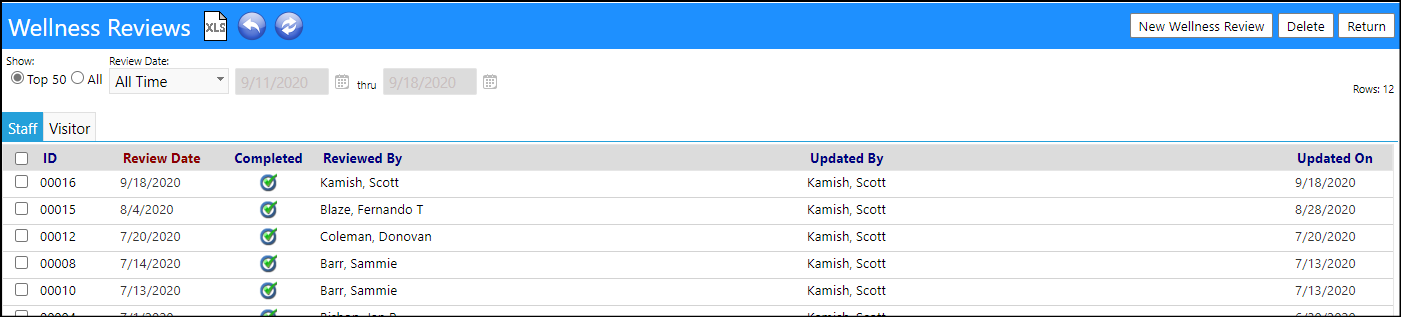
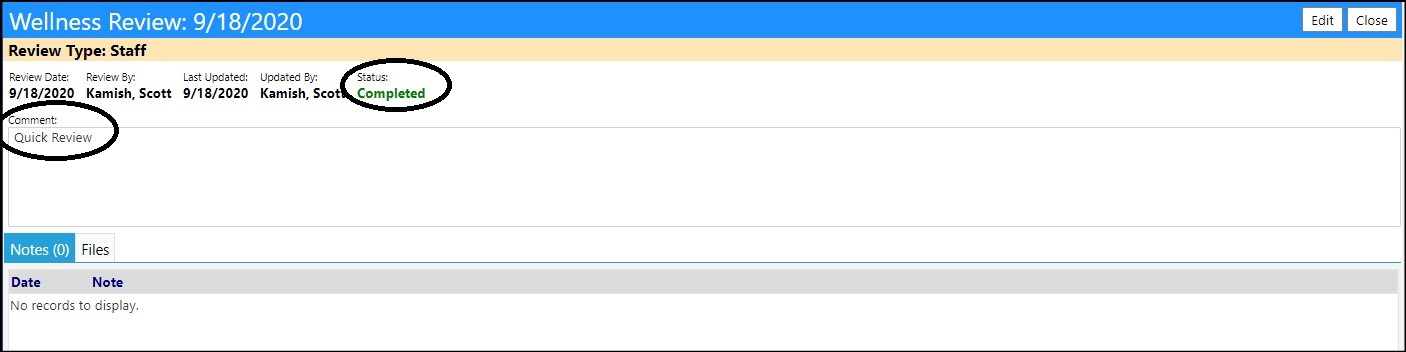
- Click on the ID to see details of the Quick Review, which includes the date of the review, reviewer, a Completed status, and a comment "Quick Review".
- The reviewer name, date and time of the Quick Review are captured in the Audit Trail and cannot be changed.
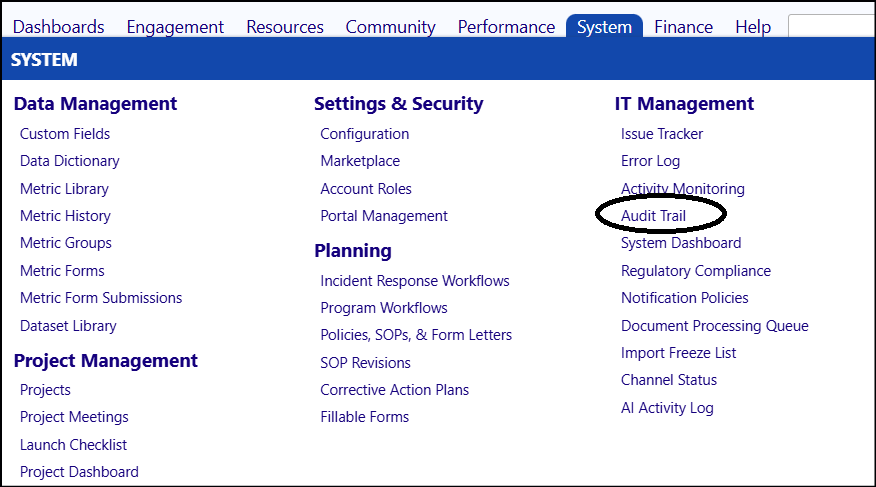
- Access the Audit Trail in the IT Management section of the System menu, to view the details.

Confidential