Where are some of the settings for the Account Profile Tags
Tags can be added to the banner of accounts either manually or automatically. The following identifies what triggers the automatic tagging:
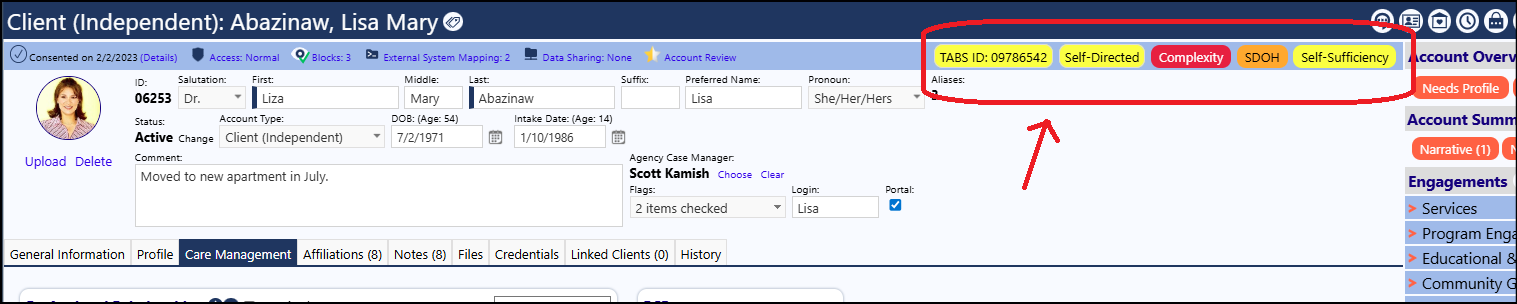
TABS ID:
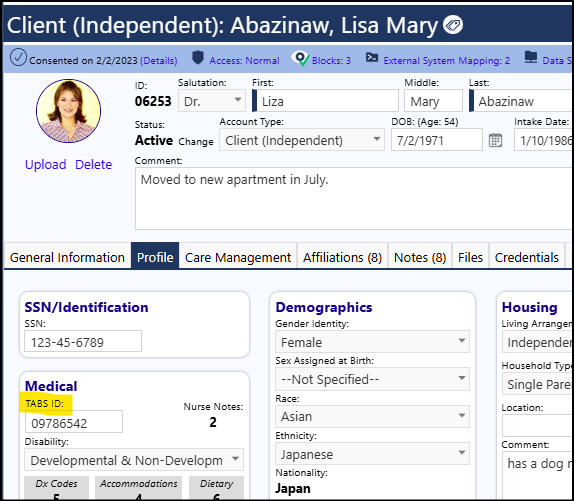
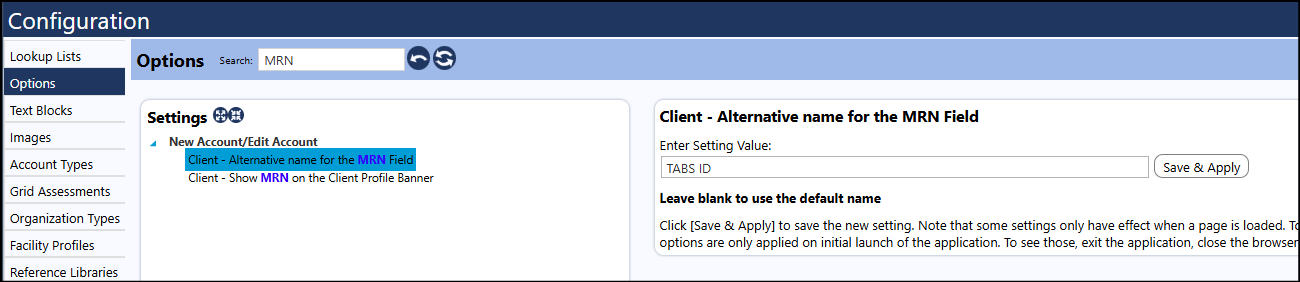
Either the TABS ID, the MRN, or an alternate ID/Number can be displayed. There are settings in the Configuration Options that allow you identify a new name if you wish to rename the MRN field:
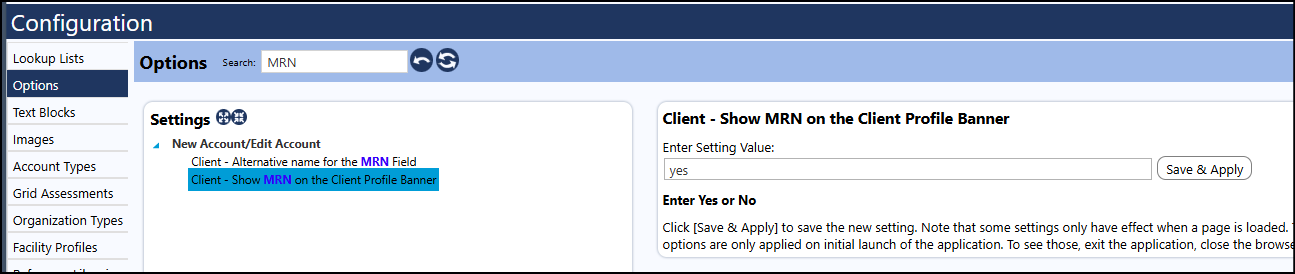
There is also a setting that allows you to display that field name and the content of that field on the Client Profile banner:
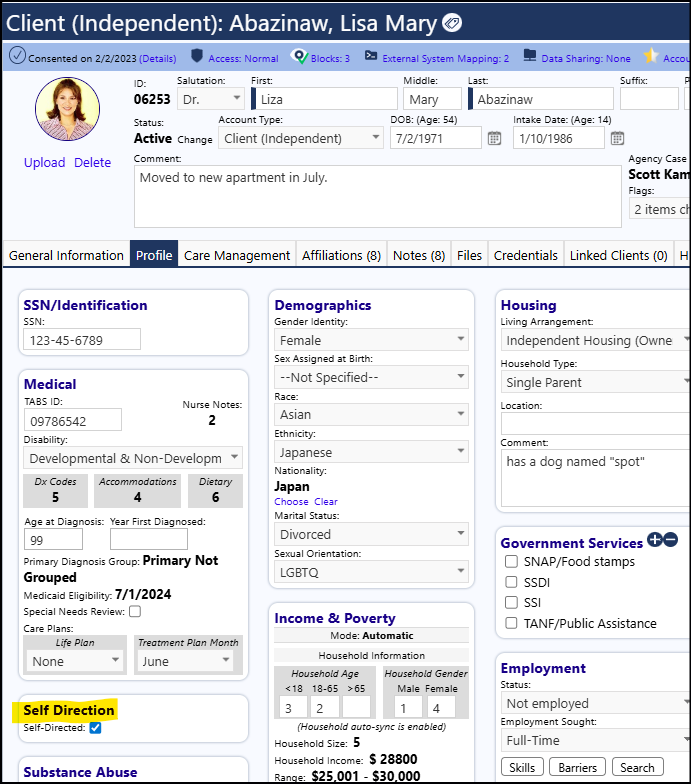
Self Directed:
Complexity:
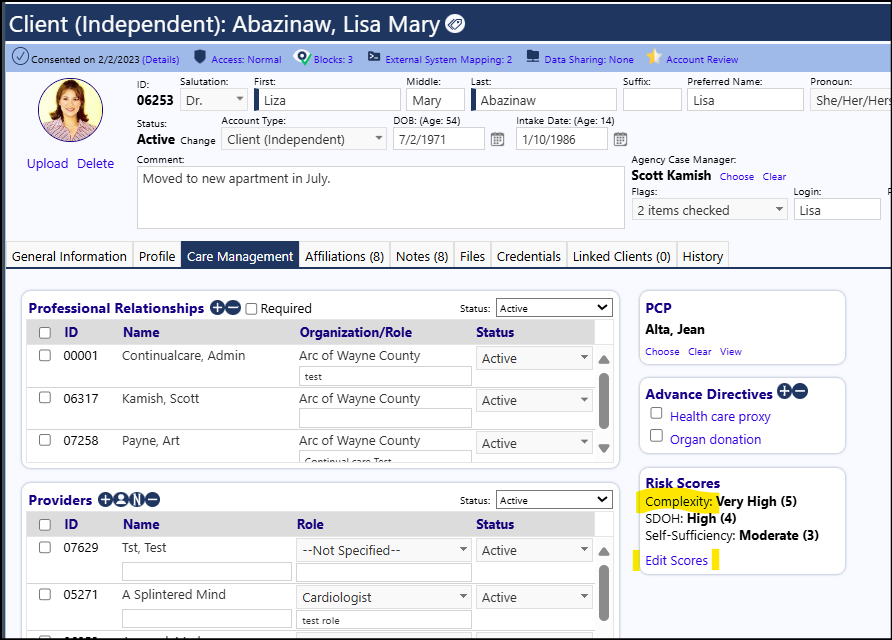
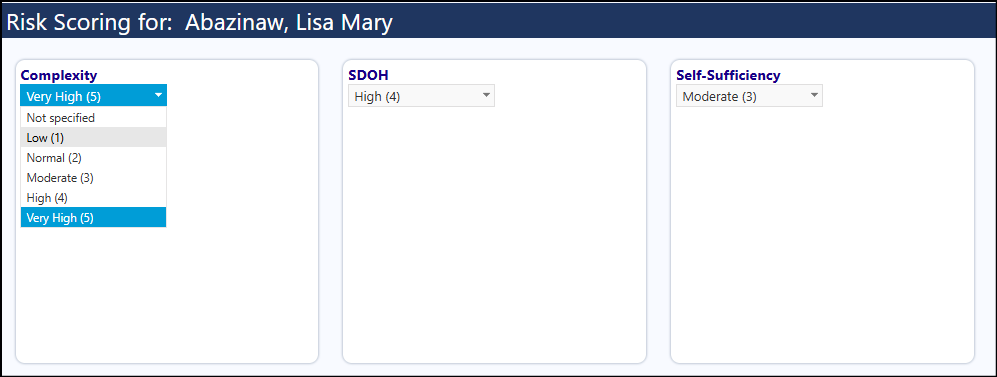
*If you change the Risk complexity level (in the Risk Scores panel) to a number of 3 or higher, and save the setting, "Complexity" displays on the client account as a tag. The Complexity tag is yellow at 3 (Moderate), orange at 4 (High), and red at 5 (Very High). *
SDOH:
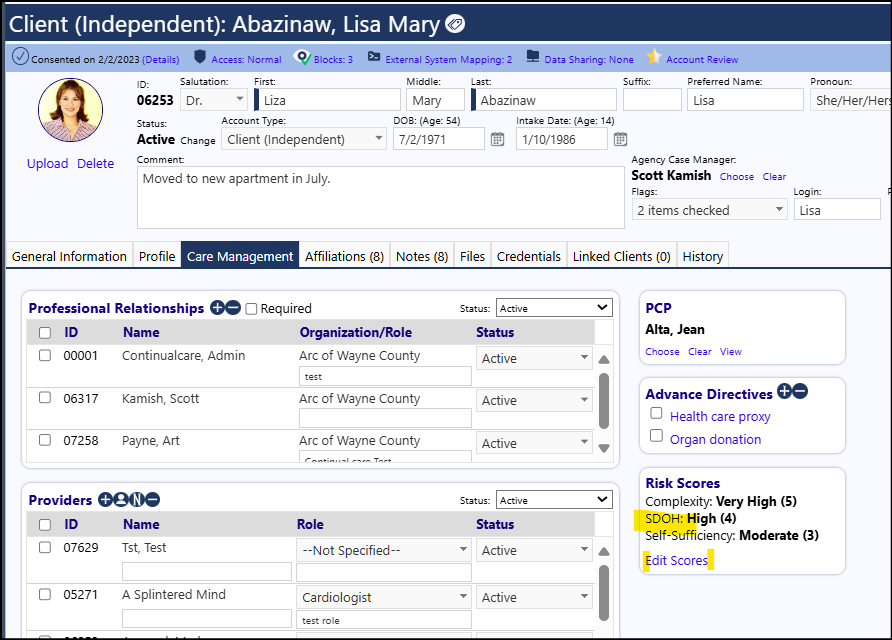
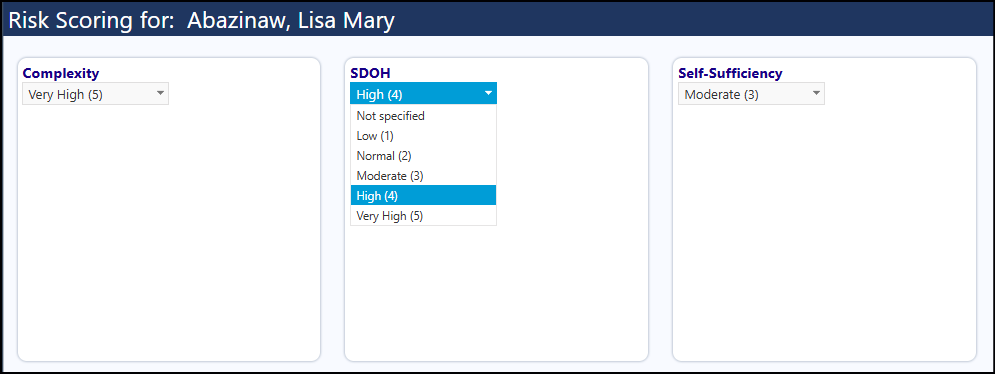
*If you change the Risk SDOH level (in the Risk Scores panel) to a number of 3 or higher, and save the setting, "SDOH" displays on the client account as a tag. The SDOH tag is yellow at 3 (Moderate), orange at 4 (High), and red at 5 (Very High). *
Self-Sufficiency:
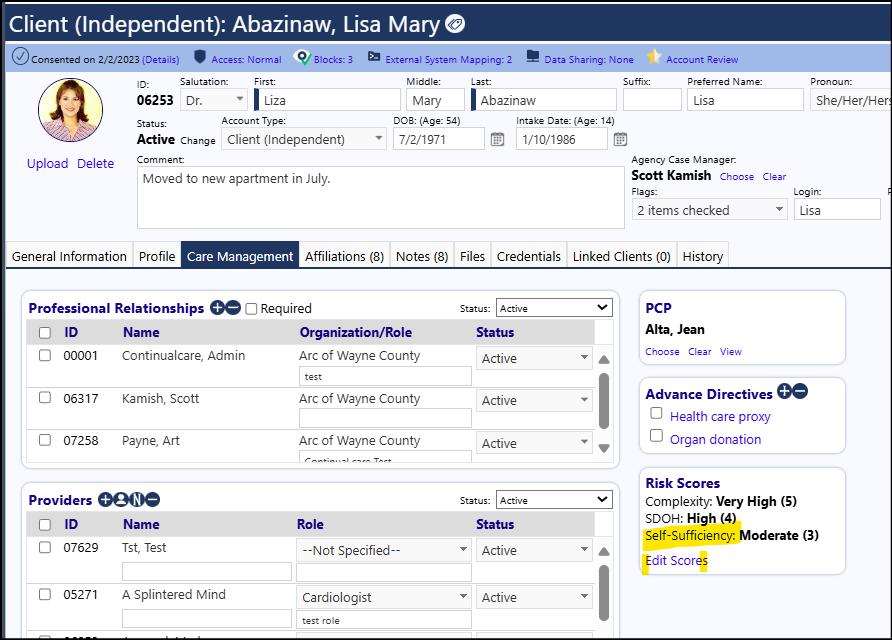
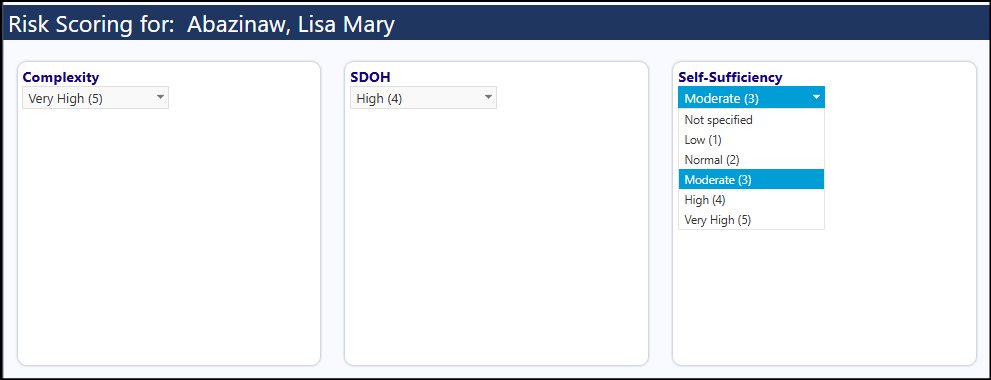
*If you change the Risk Self-Sufficiency level (in the Risk Scores panel) to a number of 3 or higher, and save the setting, "Self-Sufficiency" displays on the client account as a tag. The Self-Sufficiency tag is yellow at 3 (Moderate), orange at 4 (High), and red at 5 (Very High). *