Can I use staff teams to check the wellness checks of only some of my organization's supervisor's direct reports (so I don't have to review the direct reports of all of the supervisors)
This article will explain how you can utilize staff teams on the Wellness Check Supervisor Summary screen to check the wellness checks of specific supervisor's direct reports.
Staff Groups & Teams are created and managed in the Workforce section of the Resource menu.
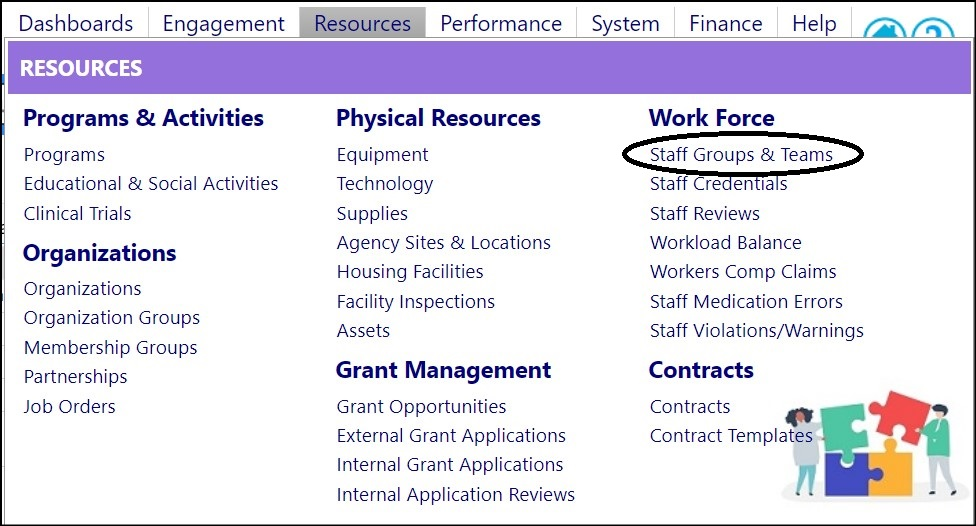
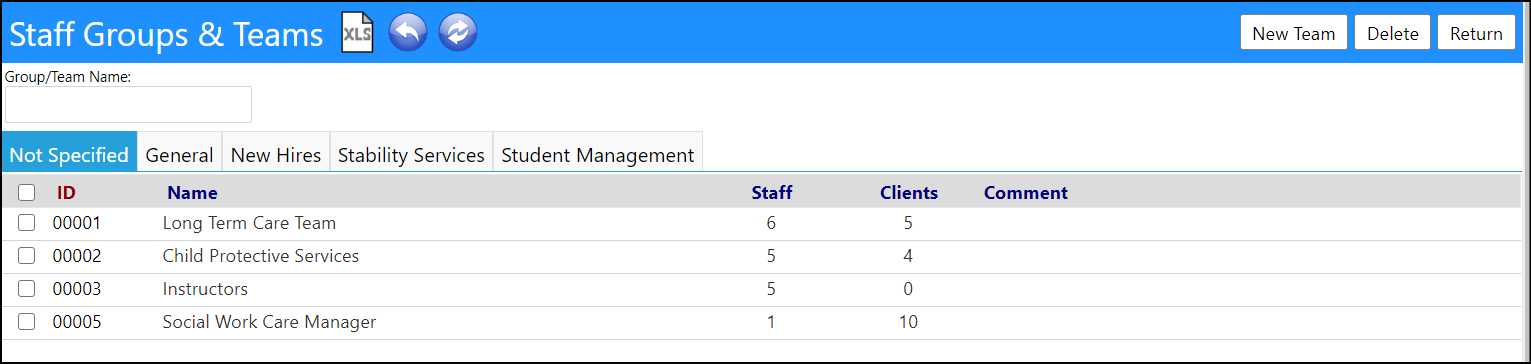
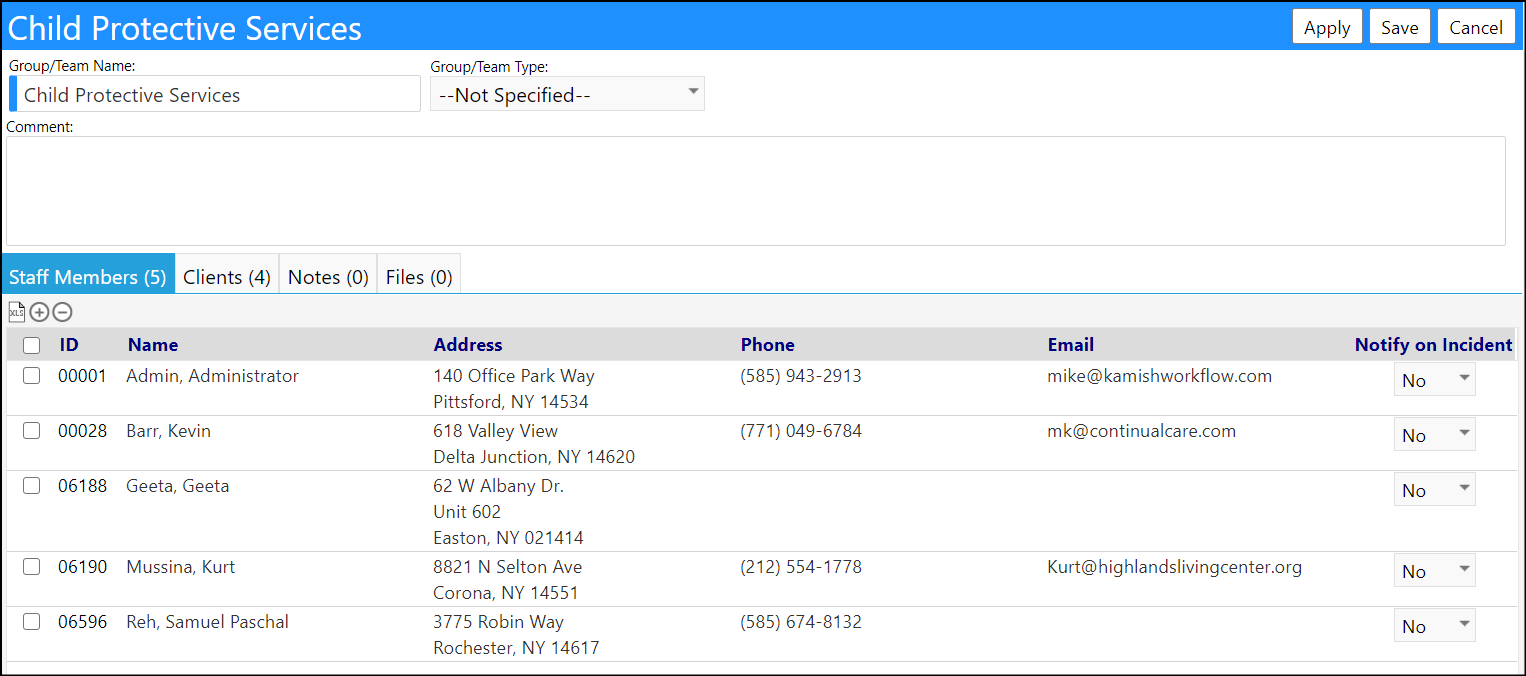
Staff Teams were created for groups of individual Staff Members and not Supervisors. That means, if you were to filter the Wellness Check Supervisor Summary on a Staff Team consisting of Supervisor names, it may or may not find any entries – because it is looking for the individuals in that team (not their direct reports) who have not completed a wellness check. In other words, it only looks for the names of the individuals entered in the team.
The only way to use Staff Teams to limit the display of Supervisors, would be to create a Staff Team that consists of all of the employees for each of those Supervisors, and list them all in that single Staff Team. Then, if any of those individual Staff Members have not completed their Wellness Check, in the Supervisor Summary, when you filter on that Staff Team, the Supervisor who those individuals report to will be displayed in the report. Then, you will be able to see which of those Supervisors have a direct report who has not yet completed a Wellness Check in the Staff Wellness Portal. If the Supervisor does not appear on that list, that would mean all of their direct report have completed their Wellness Checks.
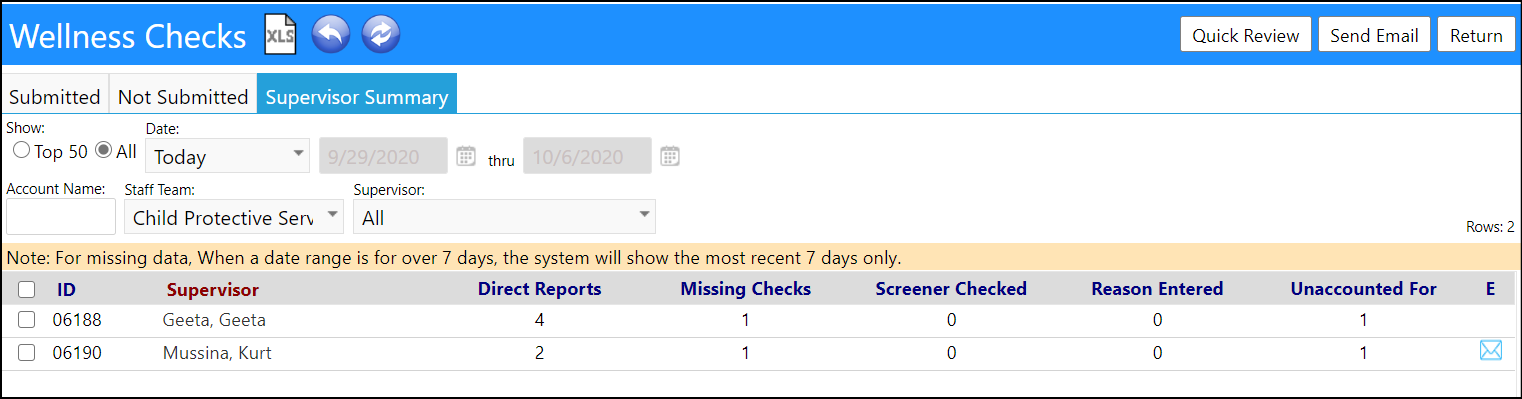
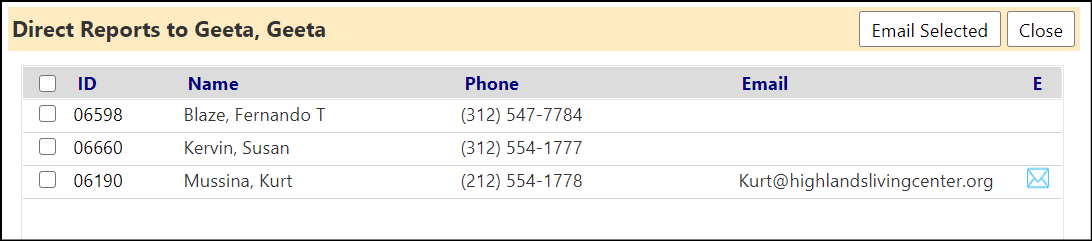
Clicking on the Numbers, you will be able to view the direct reports of that Supervisor who have not submitted a wellness check via the Staff Portal.
NOTE: While this workaround is valid and accomplishes what are asking to do, if you were to do this, that would mean you (or someone assigned to this task) would have to maintain that Staff Team. Meaning any time there is a new hire and you identify their manager, you will want to add them to the Staff Team. Conversely, if they leave your organization, you will want to remove their manager from their Account Profile and remove them from the Staff Team. Similarly, if they change managers, you will want to change the manager in their Account Profile (the Staff Team will not have to be changed). So, if there is not a lot staff movement between supervisors, and not a lot of staff turnover, it would be somewhat simple to maintain, but if there are a lot of changes, someone would have to remember to keep the staff member account information and the Staff Team up to date.