How can I search for SOP documents
SOP Document Search
In imPowr, users can search for documents in SOPs…
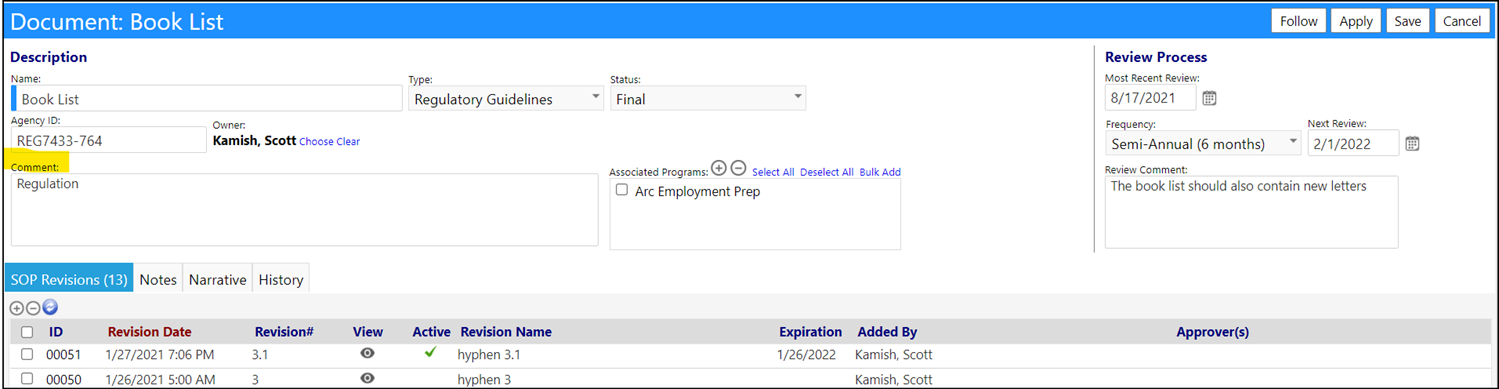
In the Edit Mode for the SOP, you can add a single or multiple word Comment about the document (example: “Process” or “Regulation”, etc.).
Example:
When you are in the SOP list, search for all documents with that same comment entry:
- Enter the word to be used for the searching into the Comment filter field (please utilize wildcards in your search if you entered in more than a single word into the SOP’s Comment field).
- Click the Refresh button.
Your documents with that entered comment will be displayed:
