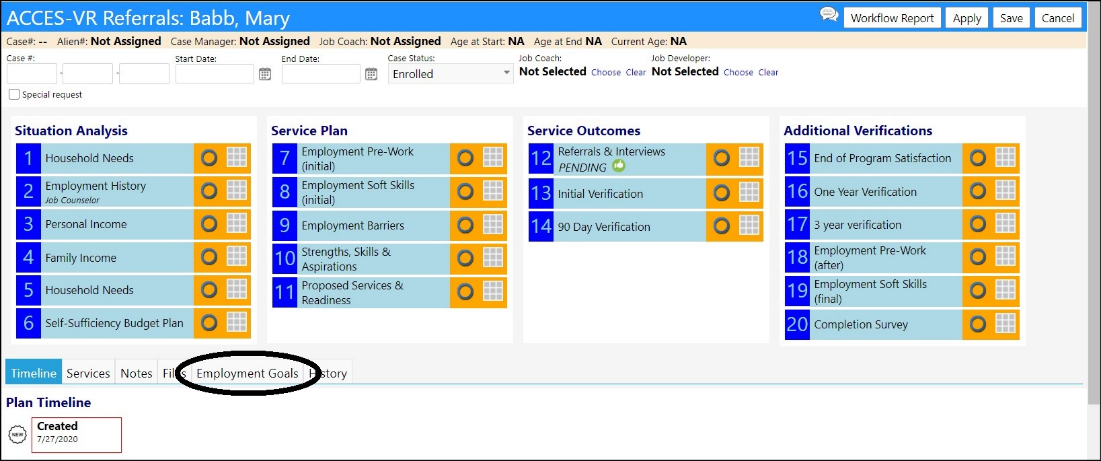
How do I establish goals on the employment workflow
This article will provide the steps needed to setup goals on the employment workflow.
-
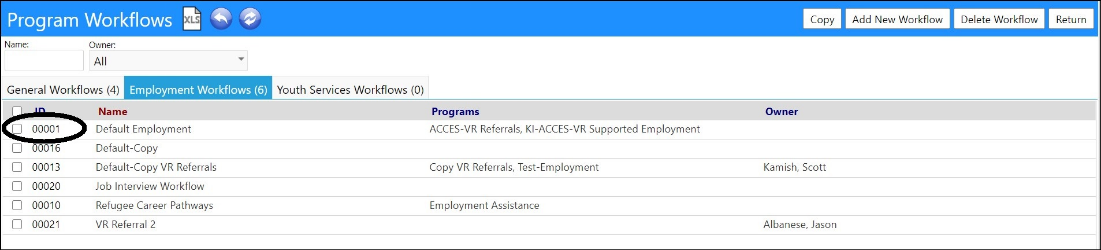
Click on Program Workflows in the Planning section of the Performance menu.
- Either create or select an existing Employment Workflow by clicking on itsID.
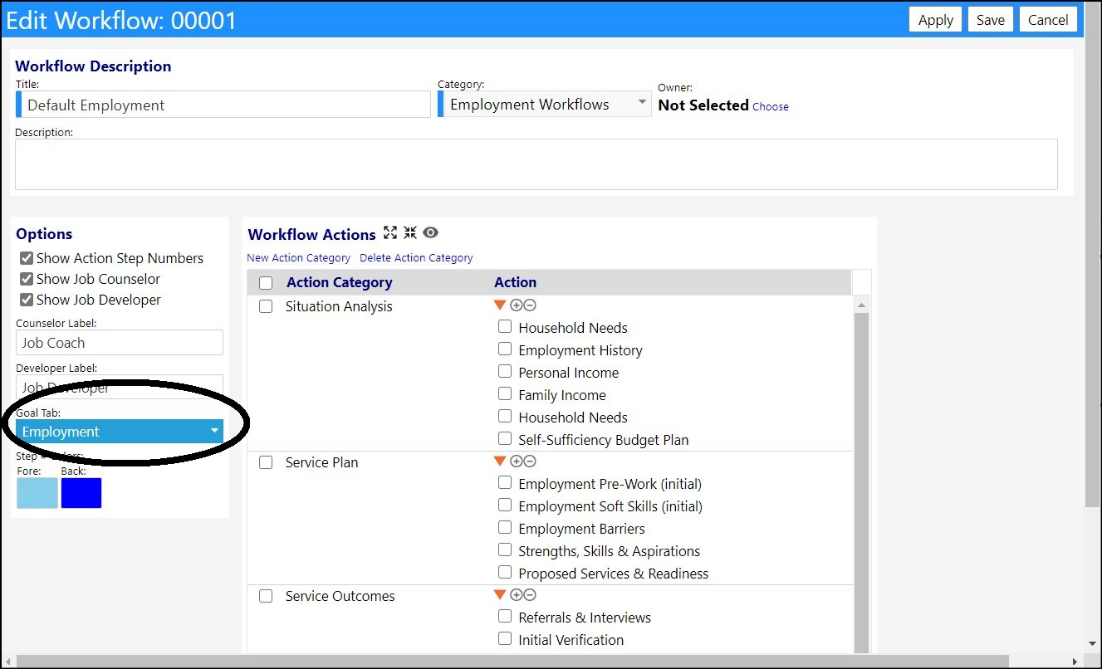
- In the Options panel, select the Goal tab name from theGoal Tab drop-down list.
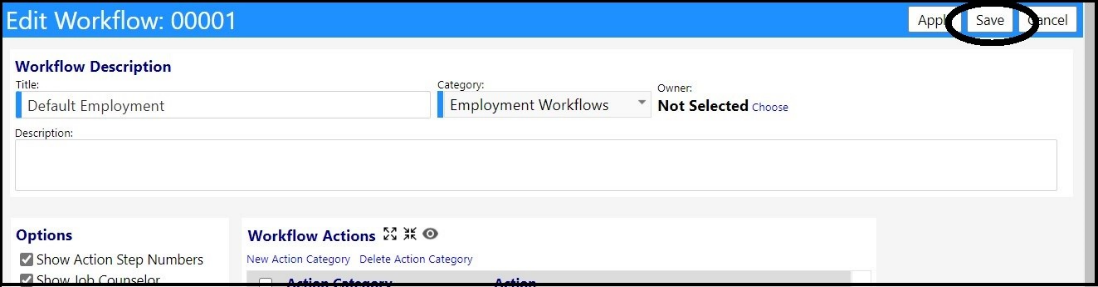
- Click Save to save your changes to the workflow.
The next time you are in a Client profile and access an Employment Workflow, the Goal Tab that you named will be displayed.