How do I track tickets sales, registration, etc. in community events
This article will tell you how to track ticket sales and registrations in community events.
-
Select Community Events in the menu
- Select the event from the list of community events by clicking on the event ID
- Click on the Attendees tab
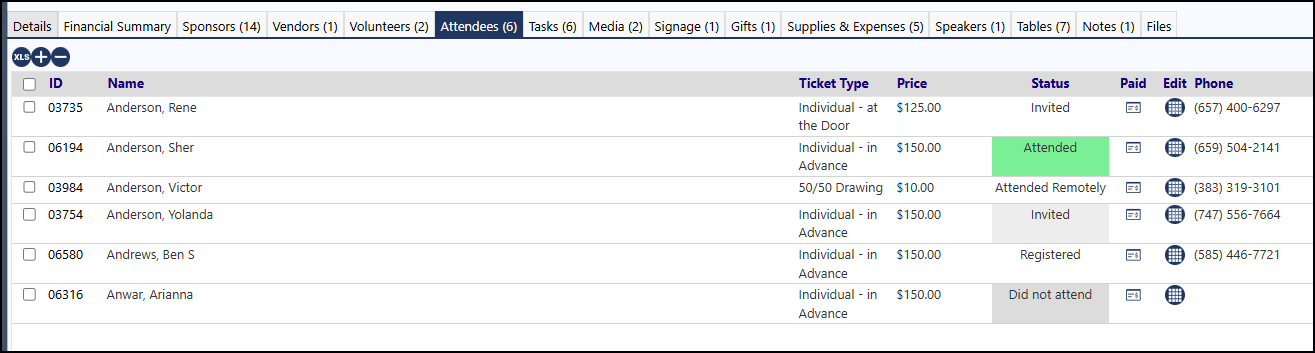
- Click on the XLS icon to download the list of Attendees for that event
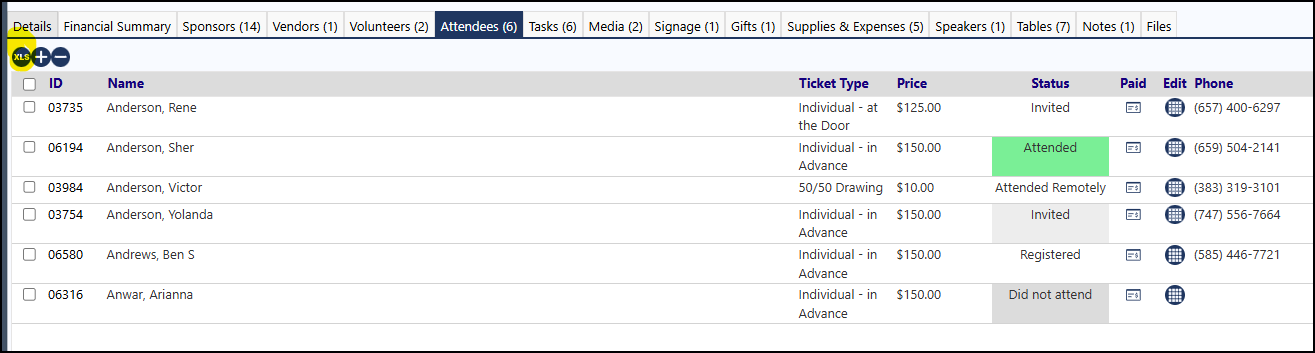
- Filter the list in Excel for Ticket Type
- The same will work for Registrations... filter on the Status “Registered”.