How do I change the value of a survey question choice
This article explains the steps which must be followed to change the values of a survey question choice.
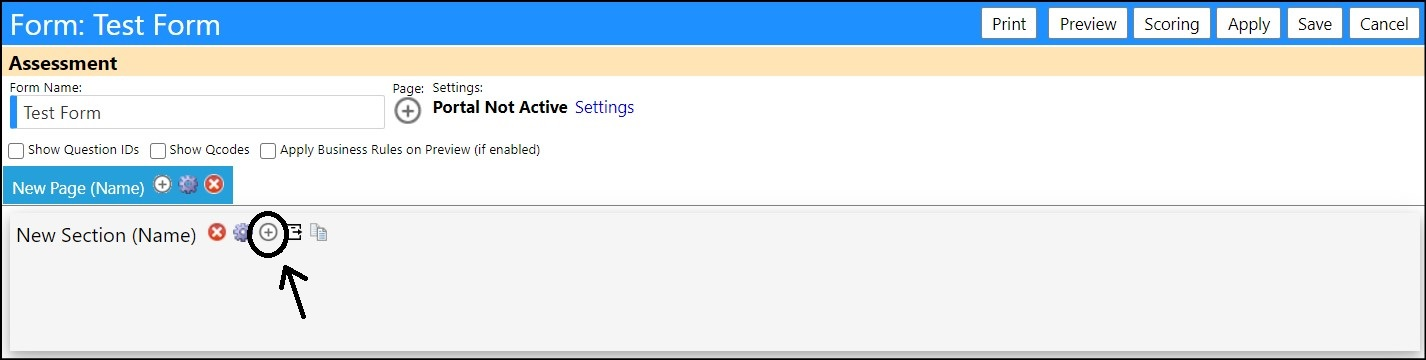
After a Survey Form has been created, and the portal, page, and survey sections have been completed, click on the '+' icon to add a new question:
The Edit Question box will appear:
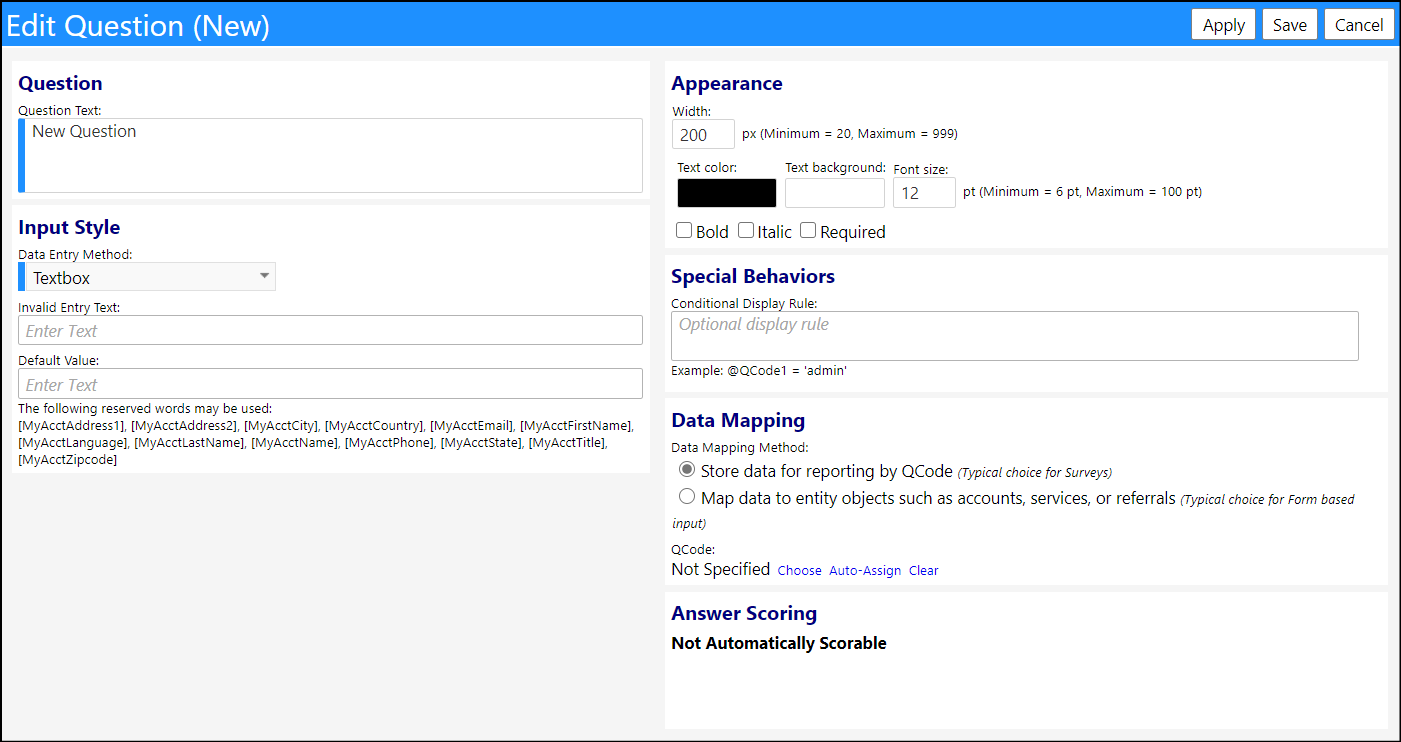
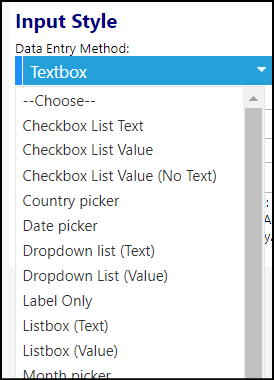
Enter your Question Text and select a Data Entry Method from the drop down list.
Depending on the method selected, you may enter your own list of Survey choices choices (using the '+' button) or choose from one of the a preselected List Choices:
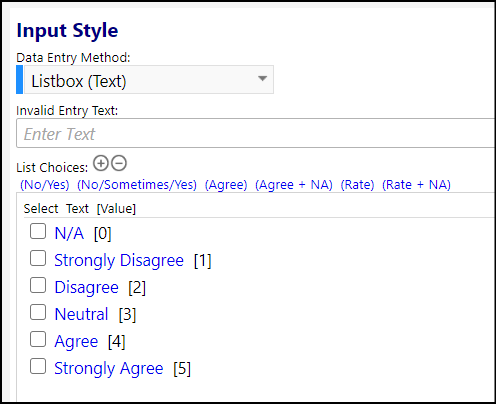
If you choose one of the List Choices, you can change the value of any of the choices by double clicking on the choice and entering a new value.
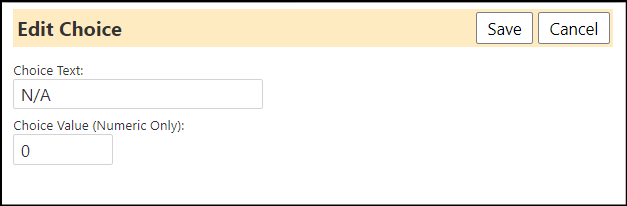
Click on Save when you are done and your choice will now reflect the new value(s).
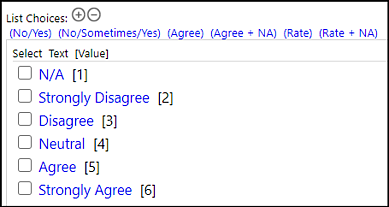
Note: if you enter and try to save a value already being used you will receive an alert message and your value will not be saved. You may have to renumber one or more choices to enter your chosen values.