How can I designate if a client is registered to vote
This article will explain how a client account can be flagged as being registered to vote.
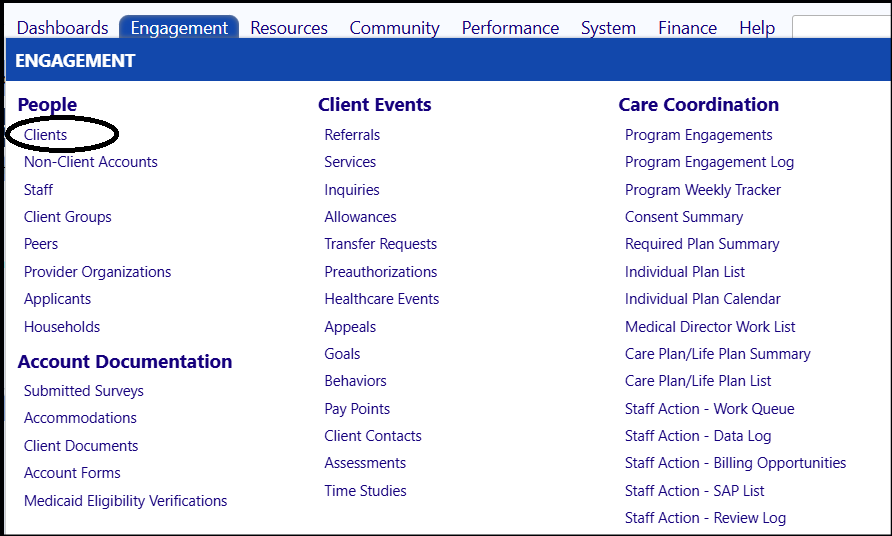
- Select a Client account, from the People section of the Engagement Menu.
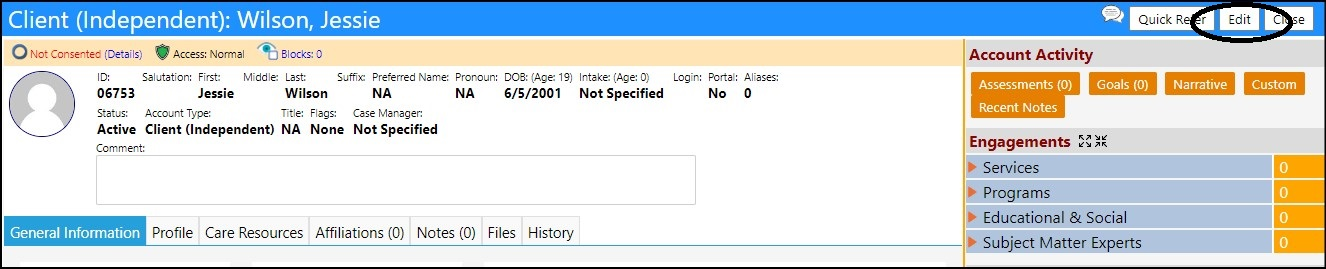
- Click Edit.
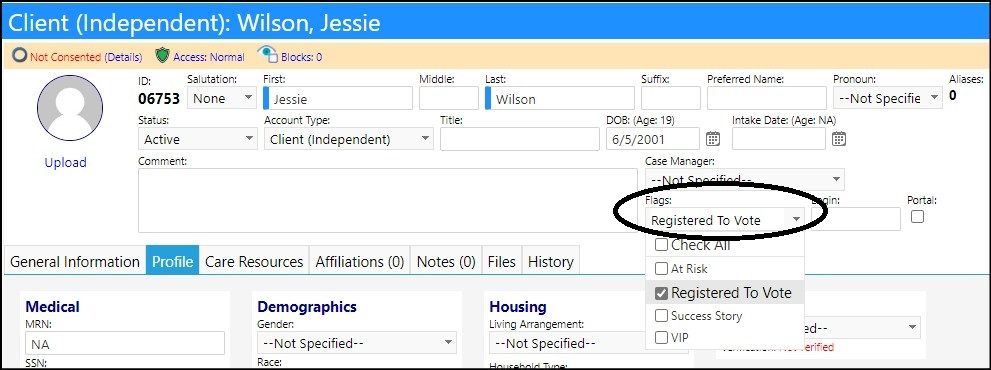
- In the header section of the profile, go to the account Flags.
- Select Registered to Vote from the drop-down list of available flags.
- Click Save to save the account profile changes.
