How do I access and update Driver Authorization Status
Access and Update Driver Authorization Status
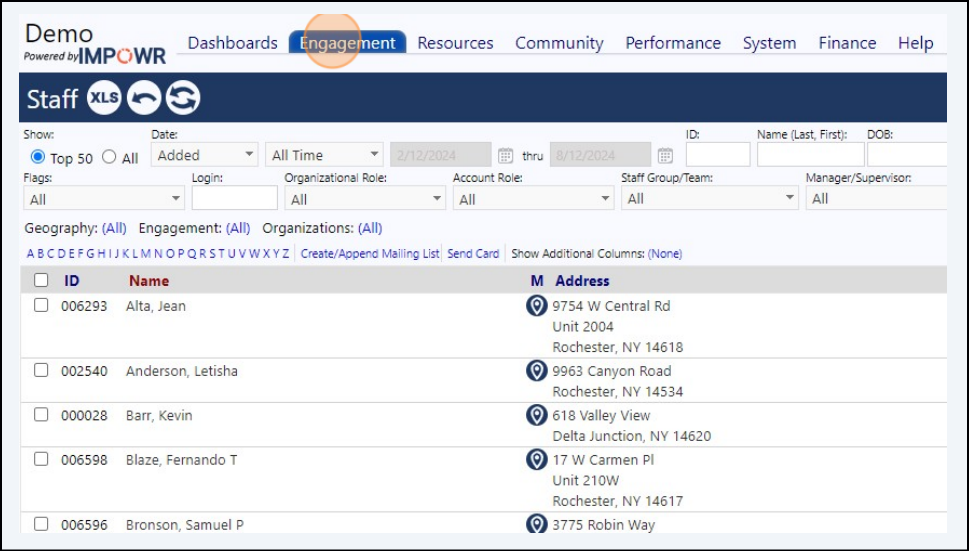
1 Click "Engagement"
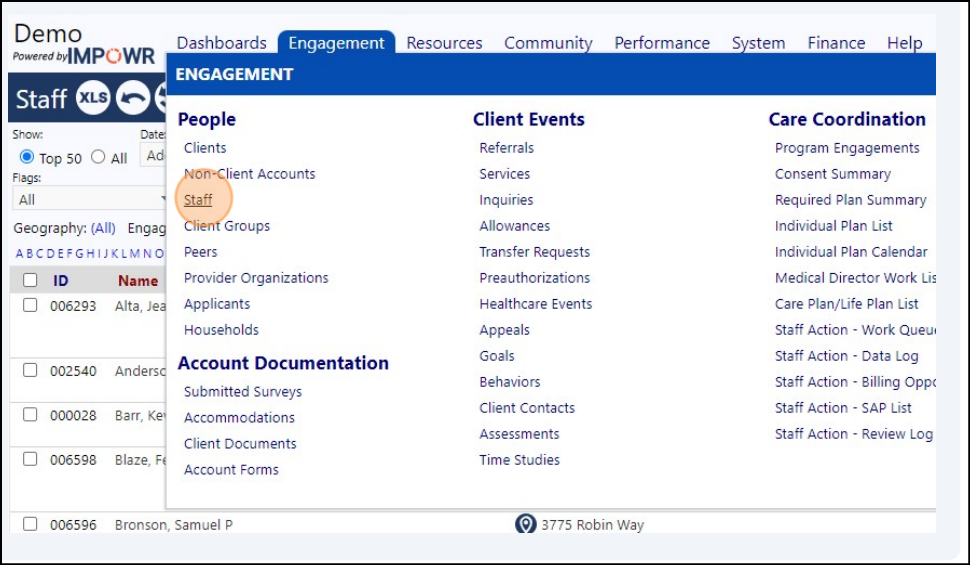
2 Click "Staff"
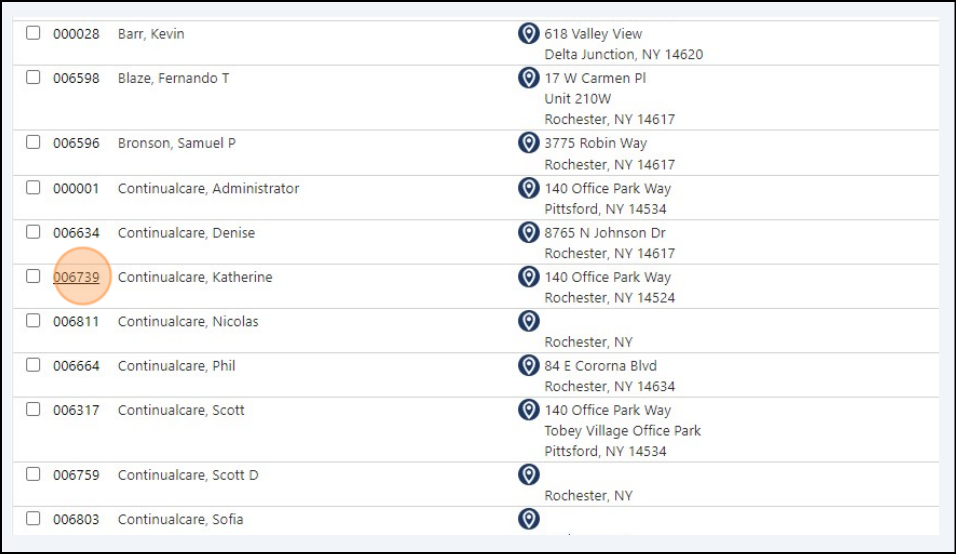
3 Click "006739"
4 Click this button.
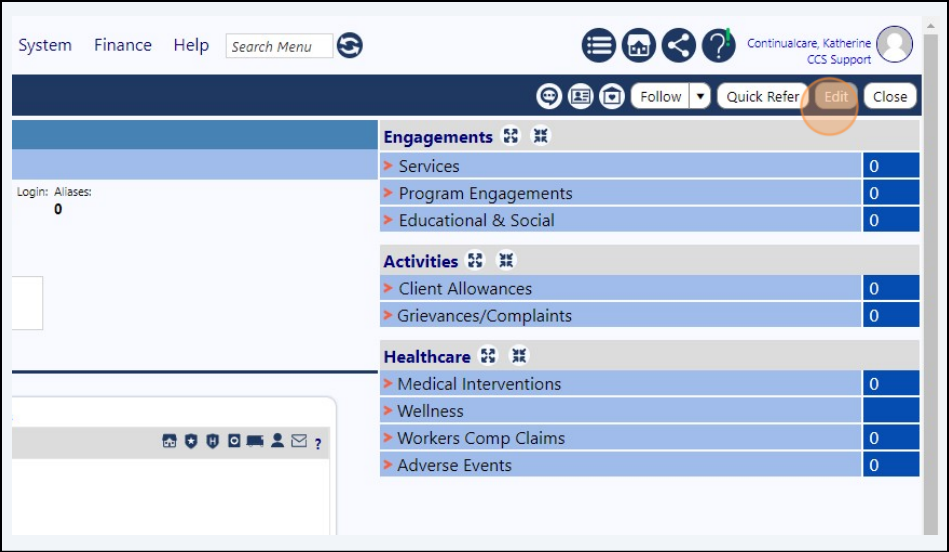
5 Click "Profile"
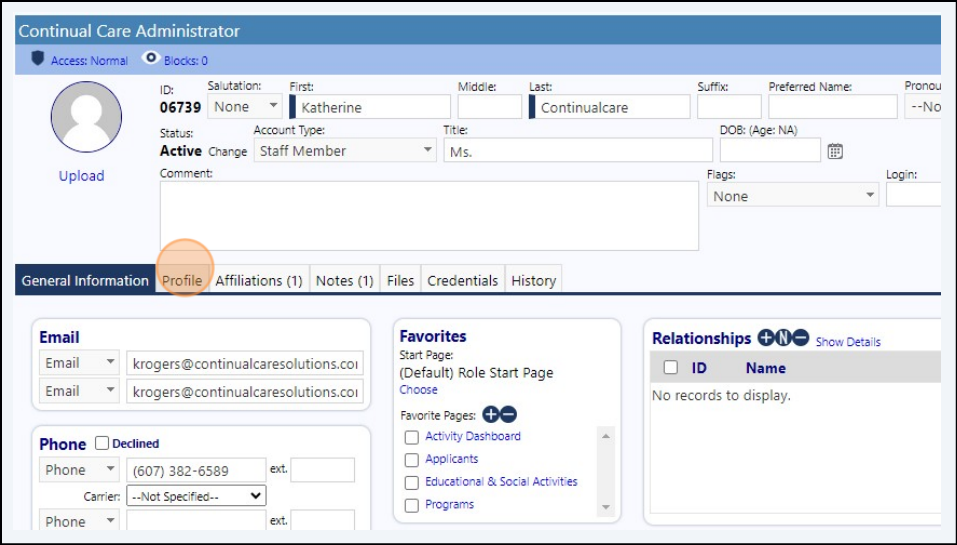
6 Click the "Is A Driver" field.
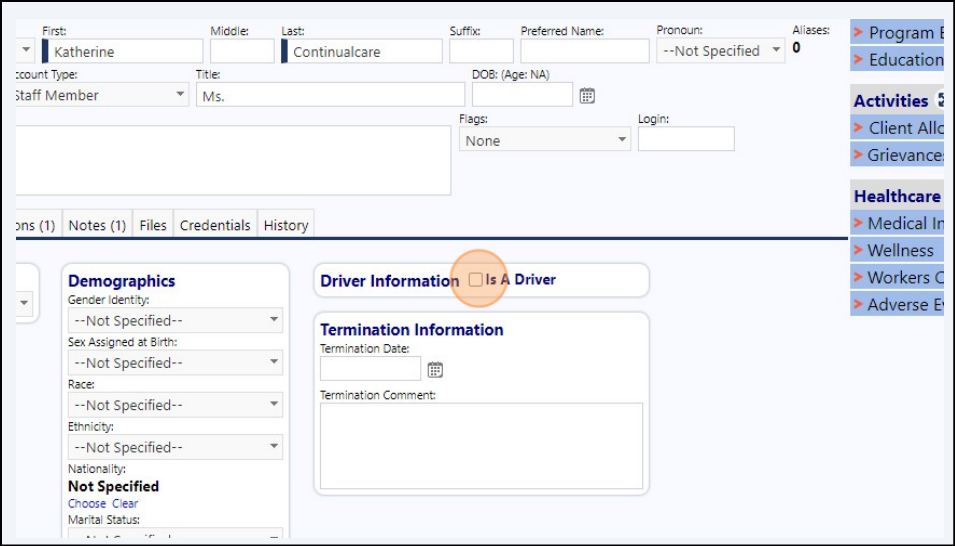
7 If you would like to add more details, Click "Edit Details"
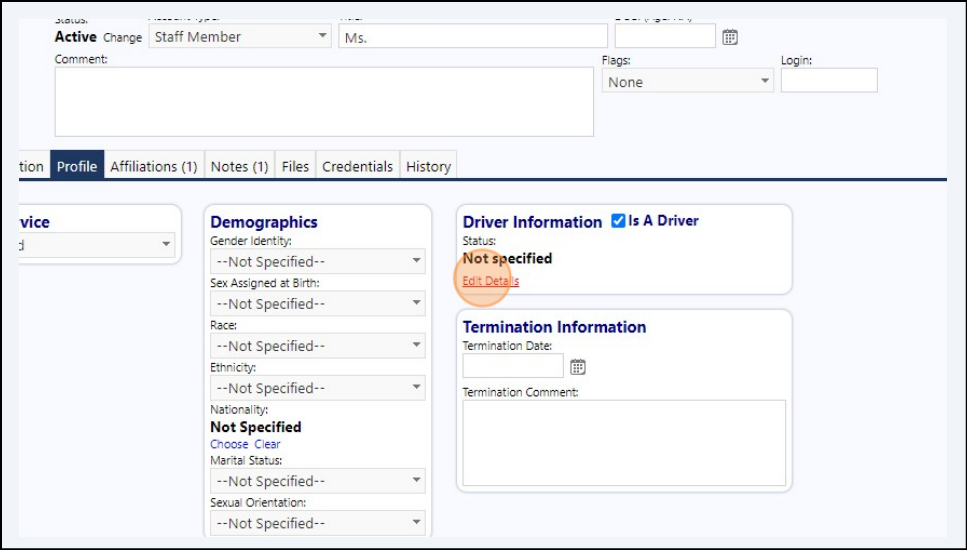
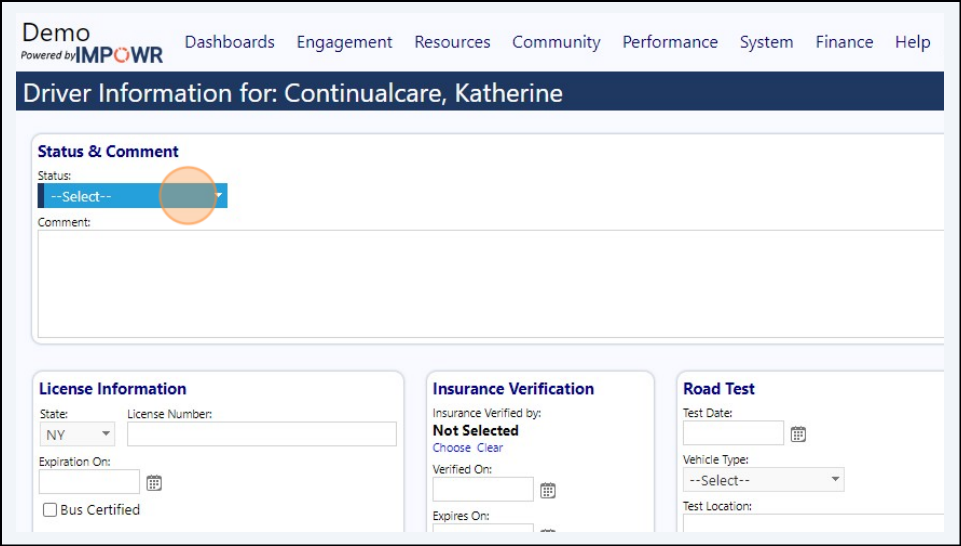
8 Click "--Select--" to put in a status
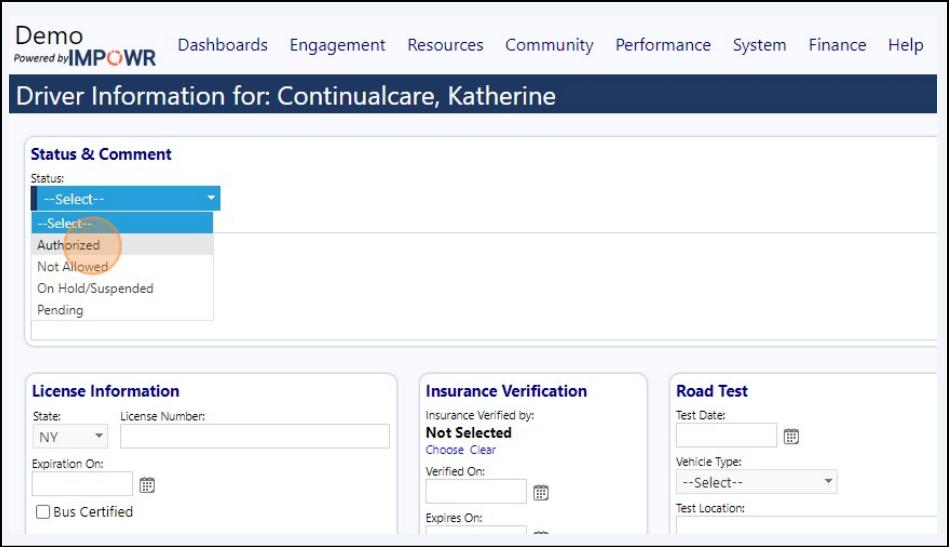
9 Example: Click "Authorized"
10 Click save button to save the driver details
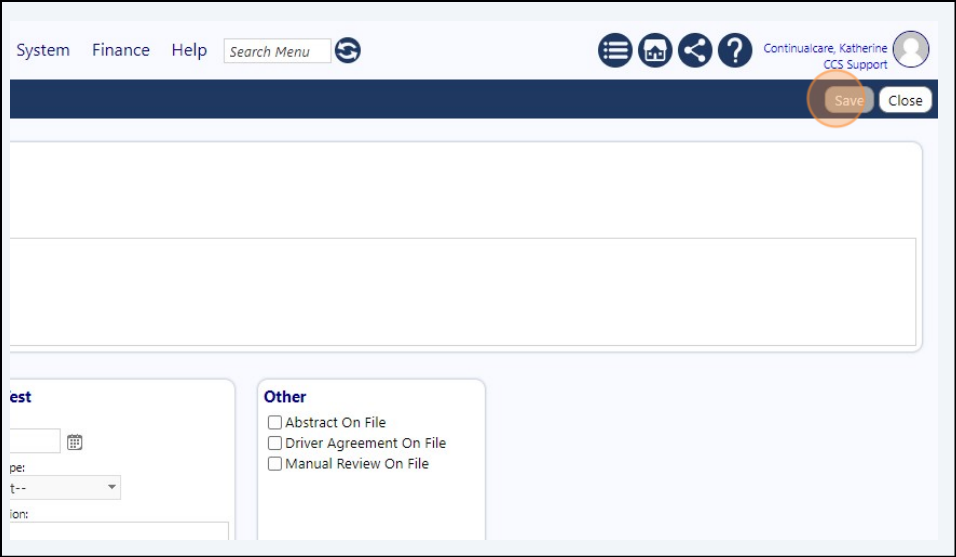
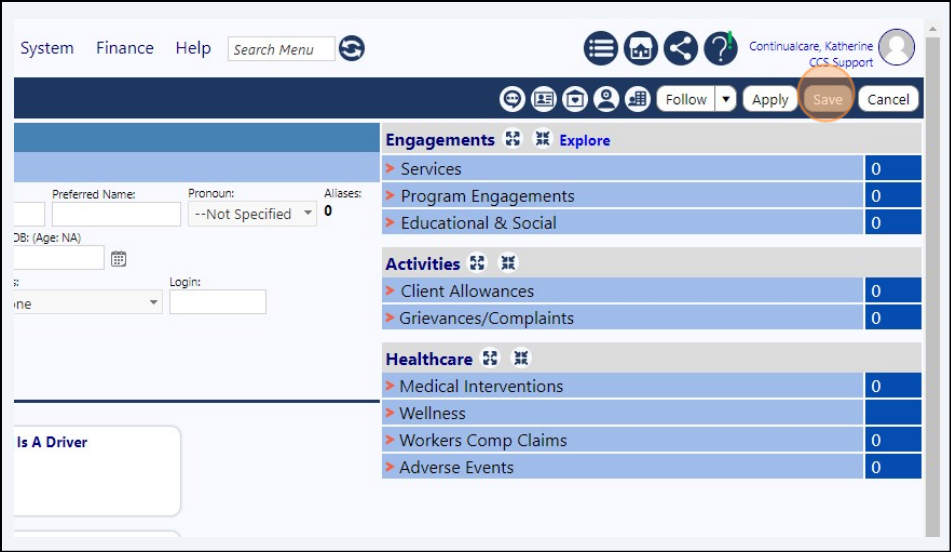
11 Click save button on the profile screen to save the updates