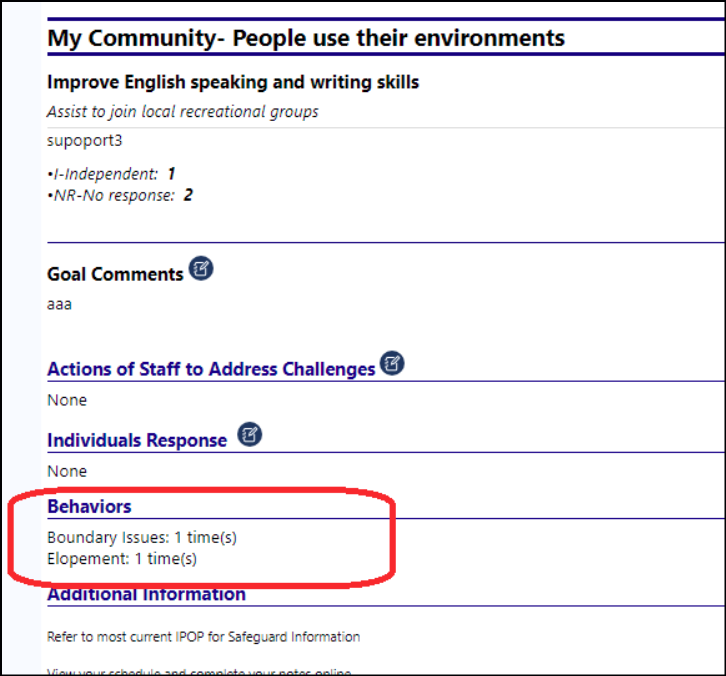
How can I get Behaviors to display in the Monthly Report
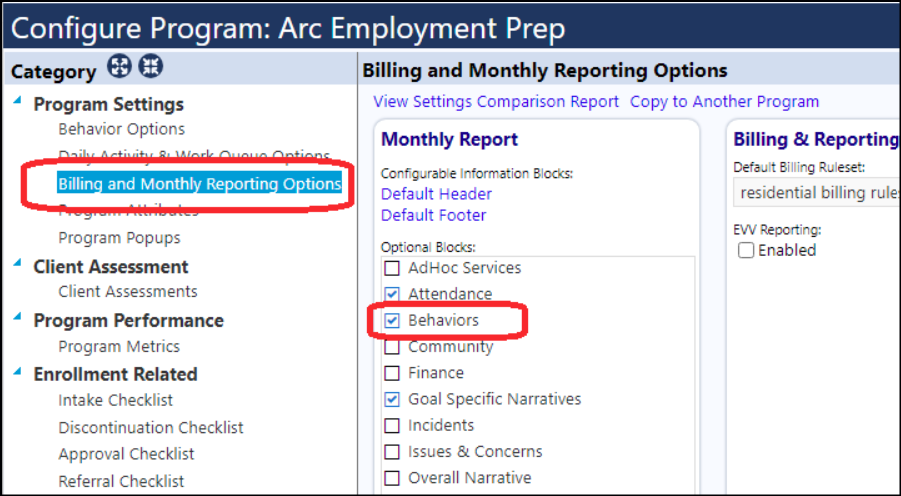
To get behaviors to display on the Monthly Report, users need to select the Monthly Report optional Behavior block in the Program settings (under the Billing and Monthly Reporting Options):
Doing this will allow the Behaviors to display on the Monthly Report: