How do I set account assessment due dates and frequencies
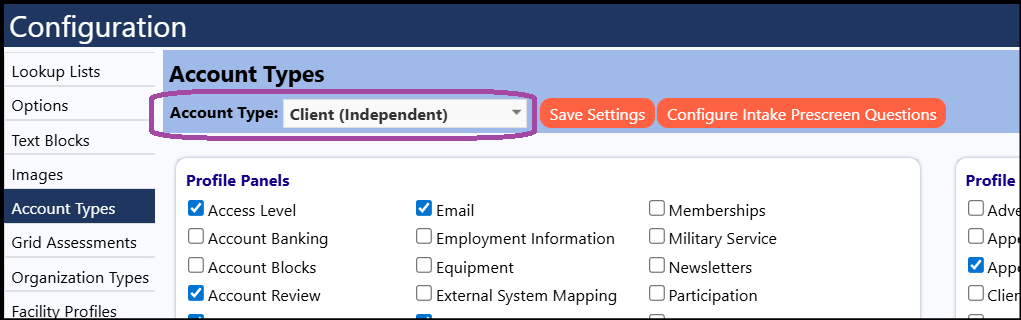
- Access Account Types in Configuration (System > Settings & Security > Configuration)
- Select the appropriate account type
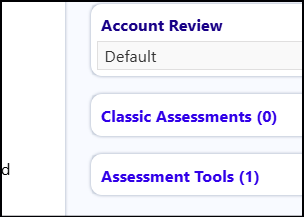
- Click on Assessment Tools
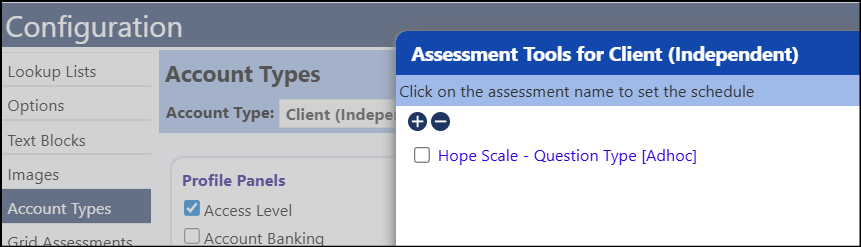
 *Click on the desired account assessment
- Set the Frequency from the drop-down list
- Select either a Fixed date or a Reference date (if selected, select what date the account assessment due date should be based on from the drop-down list
- Check the box for 'Self-Service' if you wish this to display on the account assessment
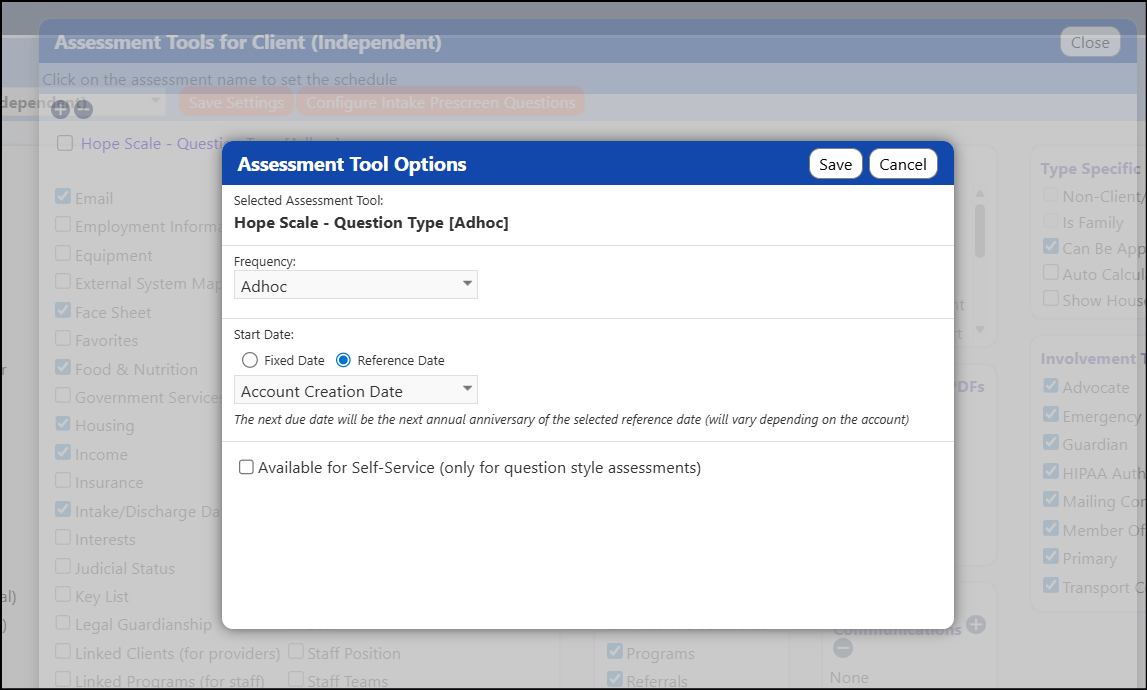
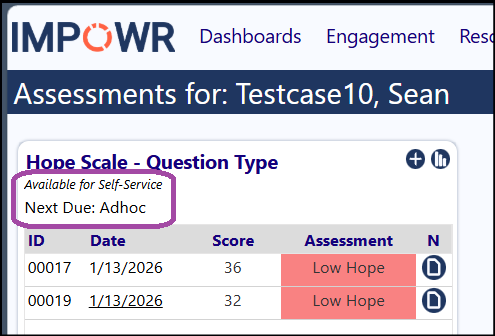
This is how the account assessment will display: