How do I add a Client to a program
This article will provide the steps necessary to add a client to a program.
The following are some quick instructions on how to add a client to a program.
To add an account to a program, as long as the person has the privileges...
- Access Clients via People section in the Engagement Menu:
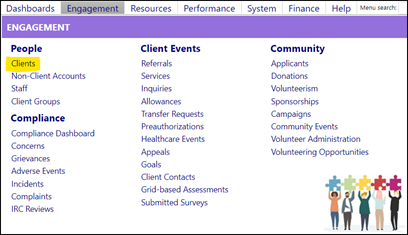
- Search for the client by name via one of the filters…

- Click on their Account ID.
- Once the Account opens, click Edit.

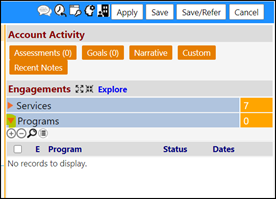
- Expand the Programs section…
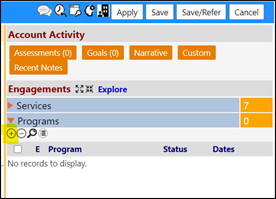
- Click on the ‘+’ to add a program:
- Select the Program from the drop-down list…and then clickSelect.
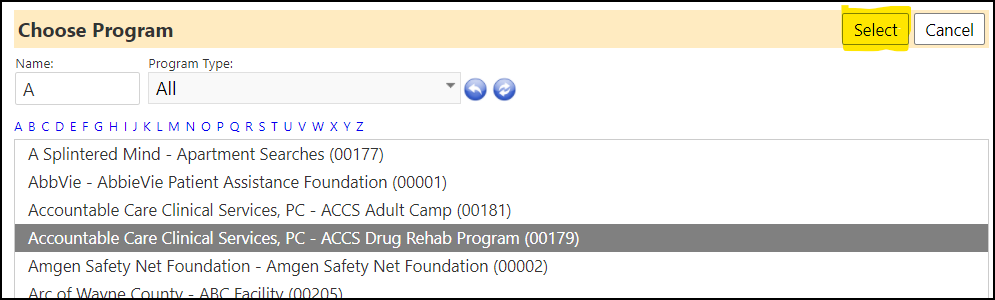
- Click the Edit grid to change theStatus to 'Enrolled'.
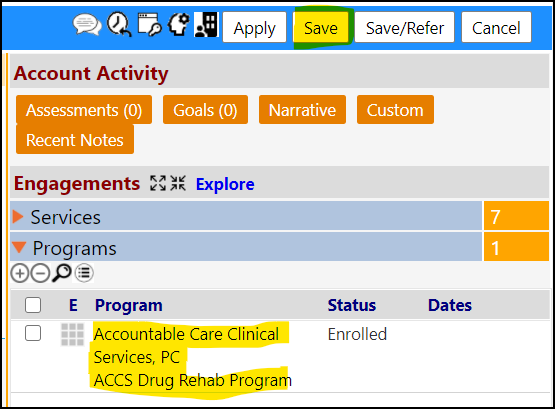
- Click Save to save your changes.
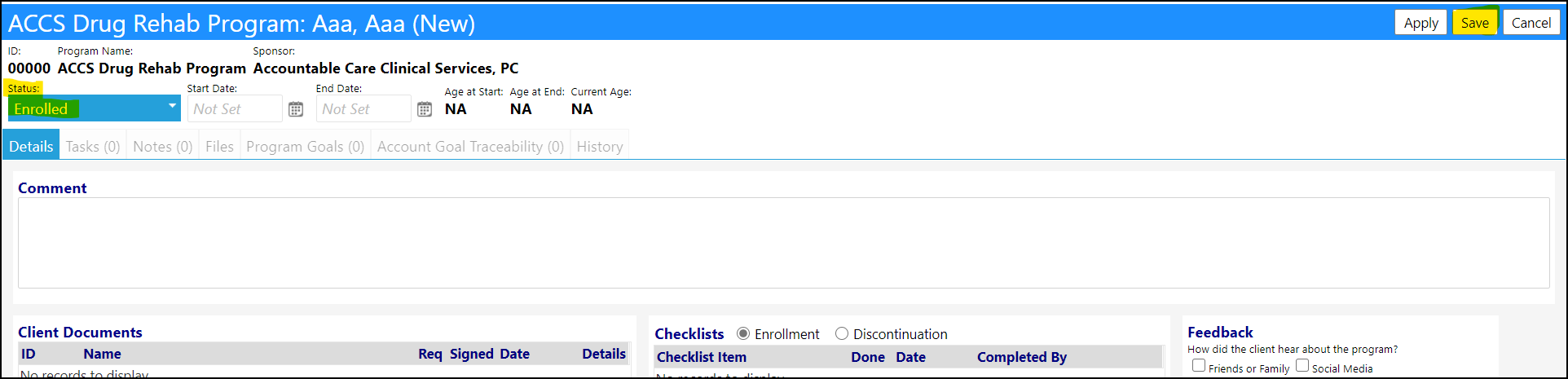
- The program will now be applied in the Account - Be sure to click SAVE to save your entries.