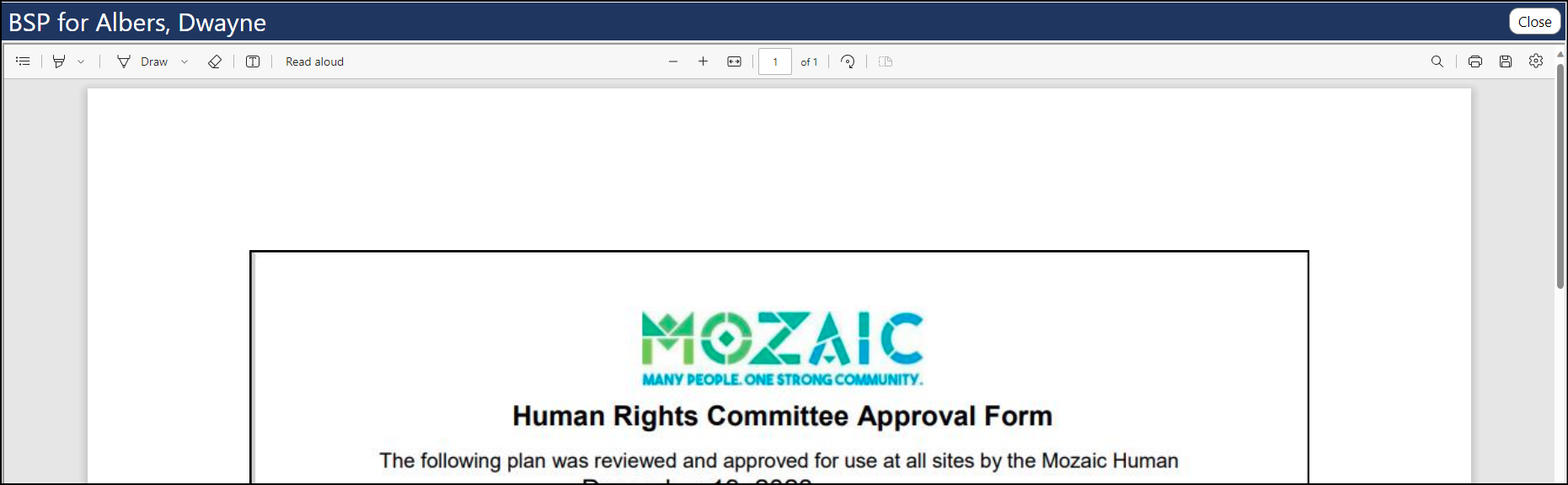
How can I view the PDF associated with a Behavior Support Plan
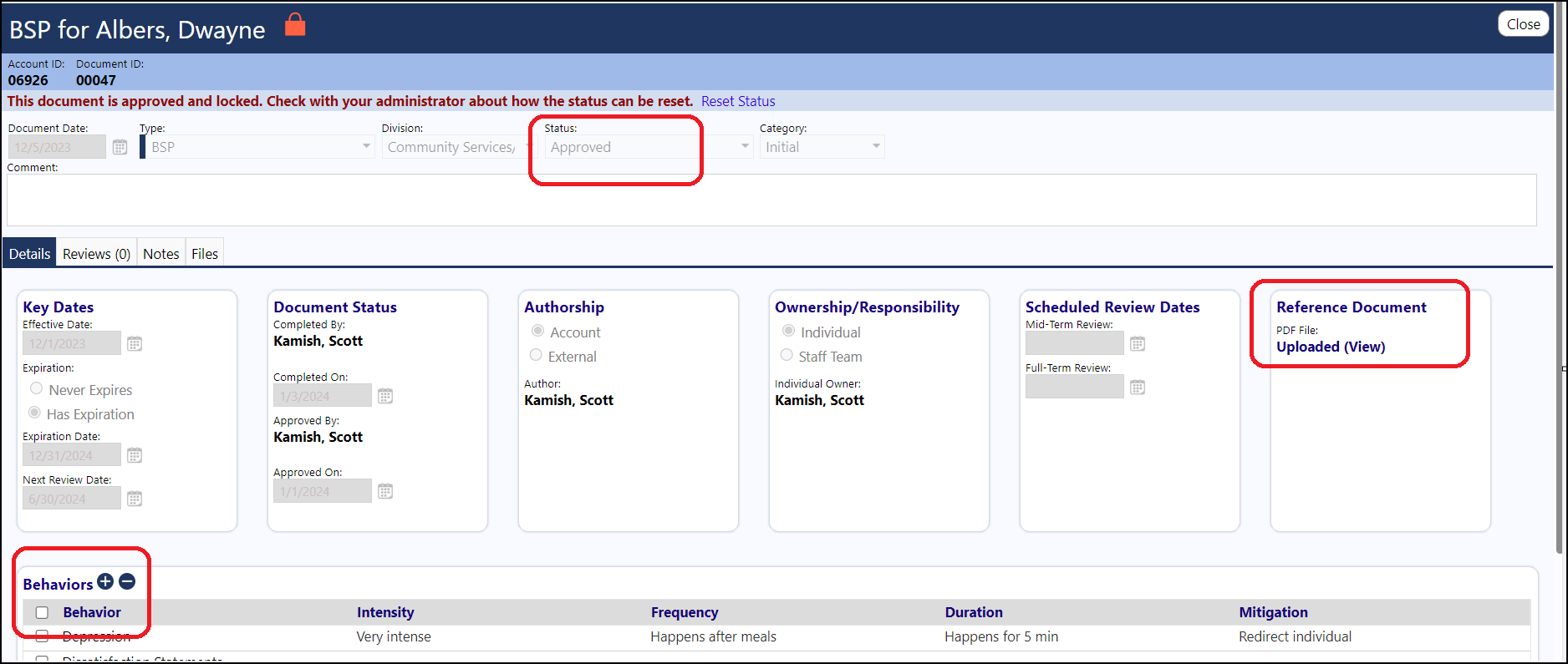
‘Pre-work’: • There must be a document attached to. • There needs to be Behaviors on the BSP. • The BSP must be approved.
Staff Action – Work Queue • The current date of the Staff Action – Work Queue must be within the BSP date range. • The Program on the Staff Action – Work Queue must be the same as the one the client is in. • The client must be selected in the ‘Actions to Show:’
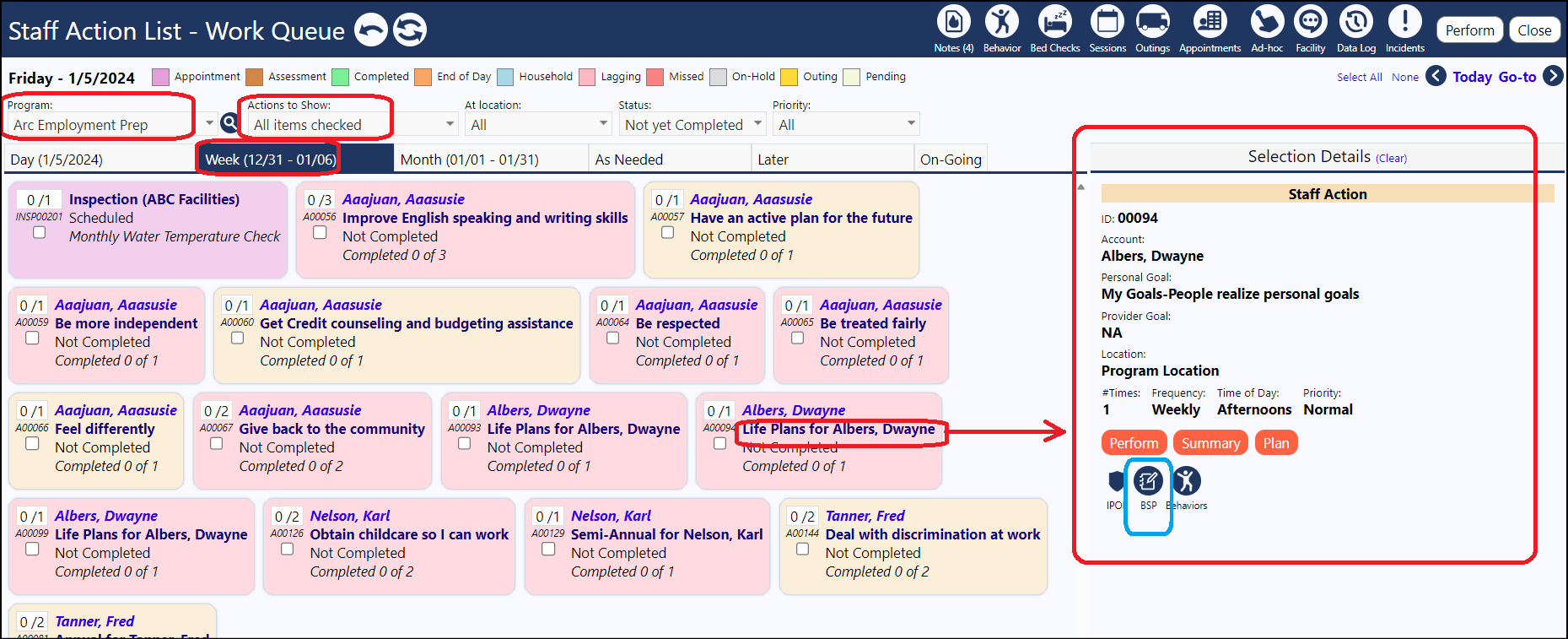
Once you do the above, you will see the client in the work queue… • Click on the client action and see the BSP icon is displayed in color mode (not grayed out).
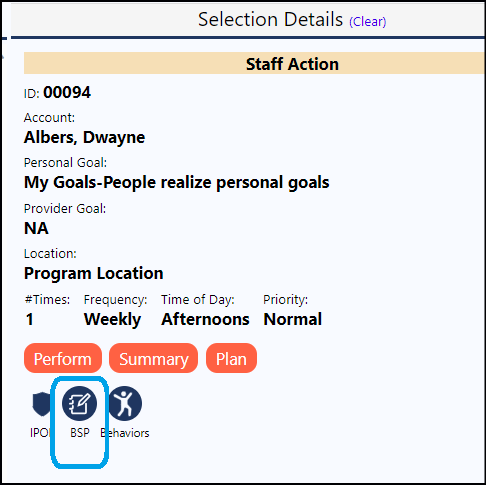
View the PDF: • Click on the BSP icon and the PDF will display: