How can I set up Staff Support Notes and Templates for the Staff Action Plan POMS Goals
In the Text Blocks on the configuration page, users are able to set two Staff Action Plan related Staff Support Note text blocks:
- Staff Support Note Template
- Staff Support Perform Instructions
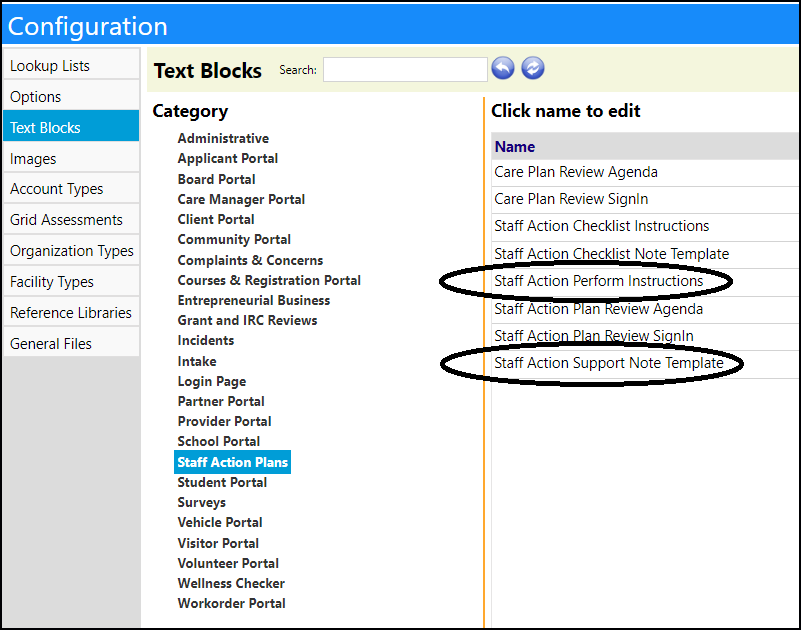
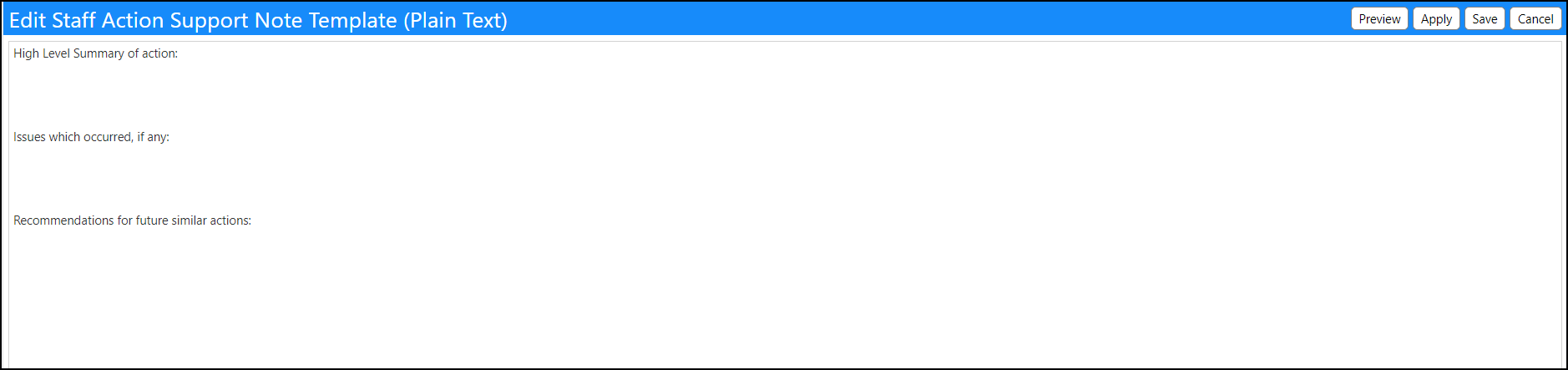
Clicking on the Staff Support Note Template, users can create a template that can guide users on the information that is desired in the notes. (This template will display if the note is empty.):
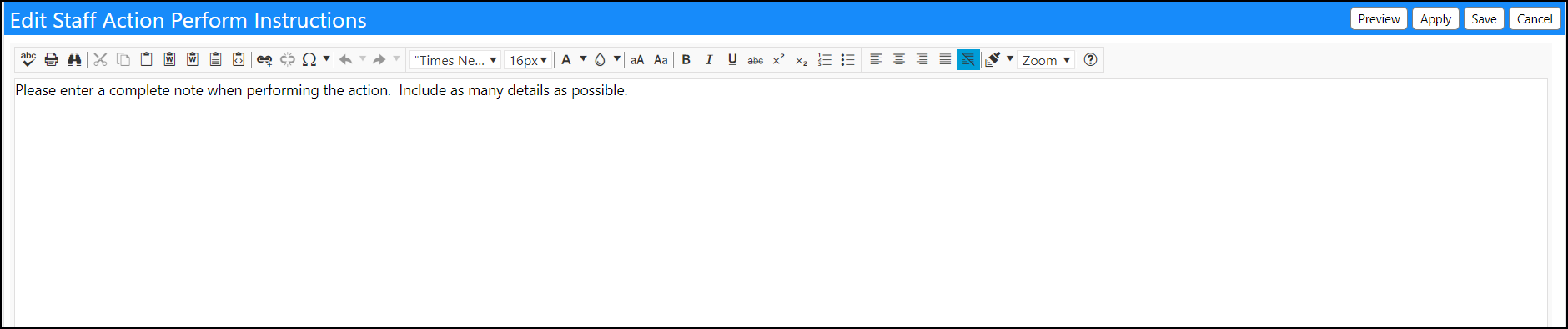
Clicking on the Staff Support Perform Instructions, users can be provided with instructions for filling in Support Notes:
Viewing the Staff Support Note Instructions and Template
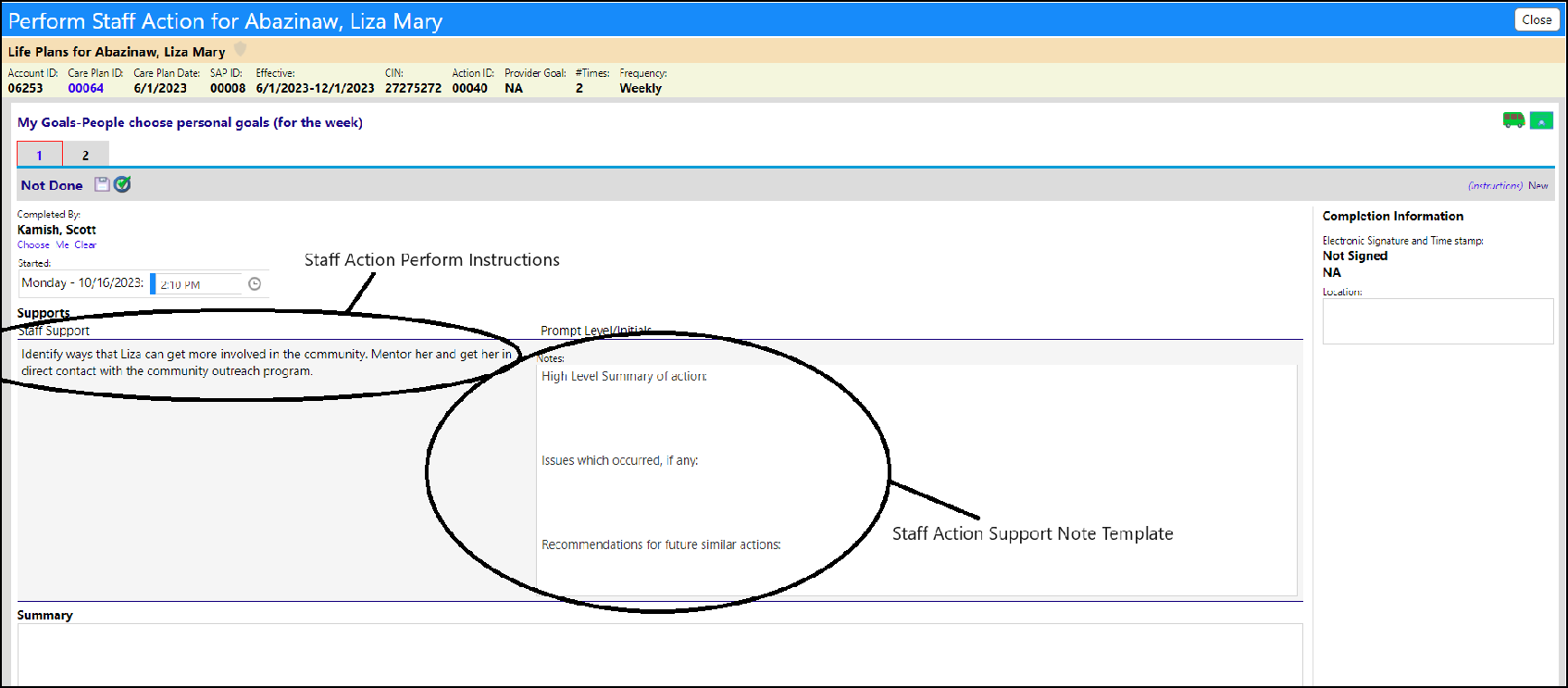
These text blocks display when viewing the Support Notes in a Staff Action Plan POMS goal.
Support Note Template:
Add a Staff Support in a Staff Action Plan POMS goal:
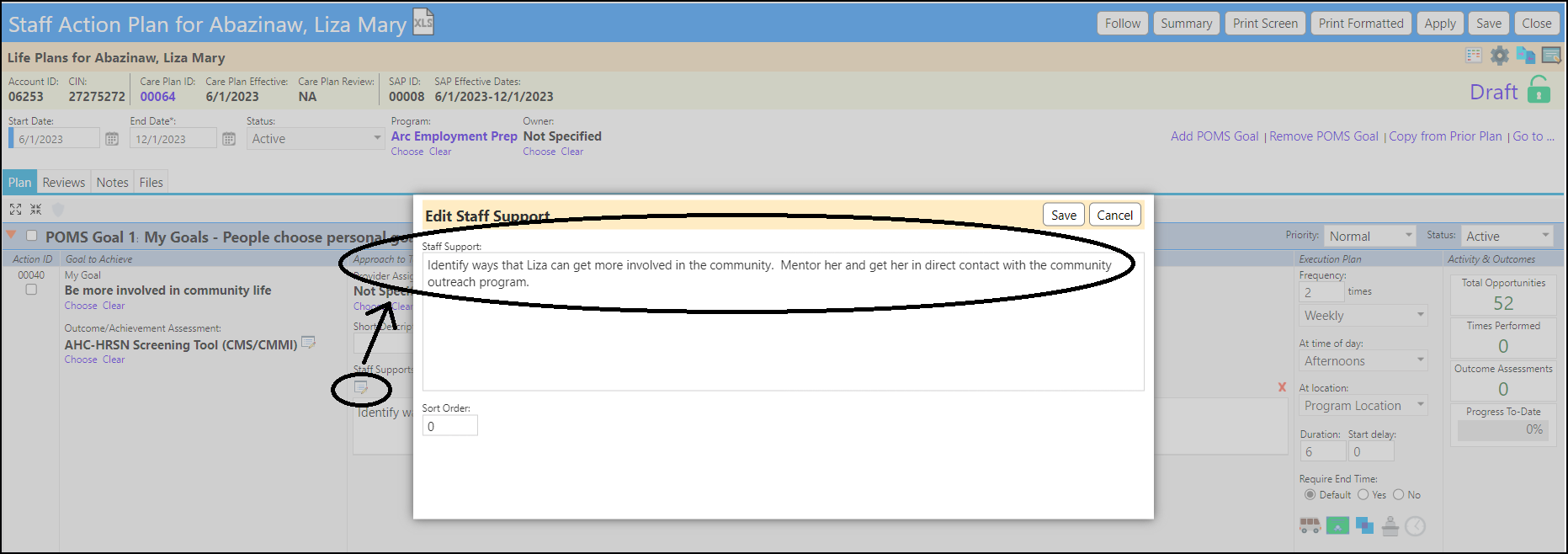
When you click on the Supports for a POMS Goal in a Staff Action Plan, on the Staff Action Plan - Work Queue page, and then click Perform, both the Staff Support Perform Instructions and the Staff Support Note Template display:
Support Note Perform Instructions:
To view the Instructions, click on the Instructions link on the displayed page clicking on 'Perform' (the Support action):
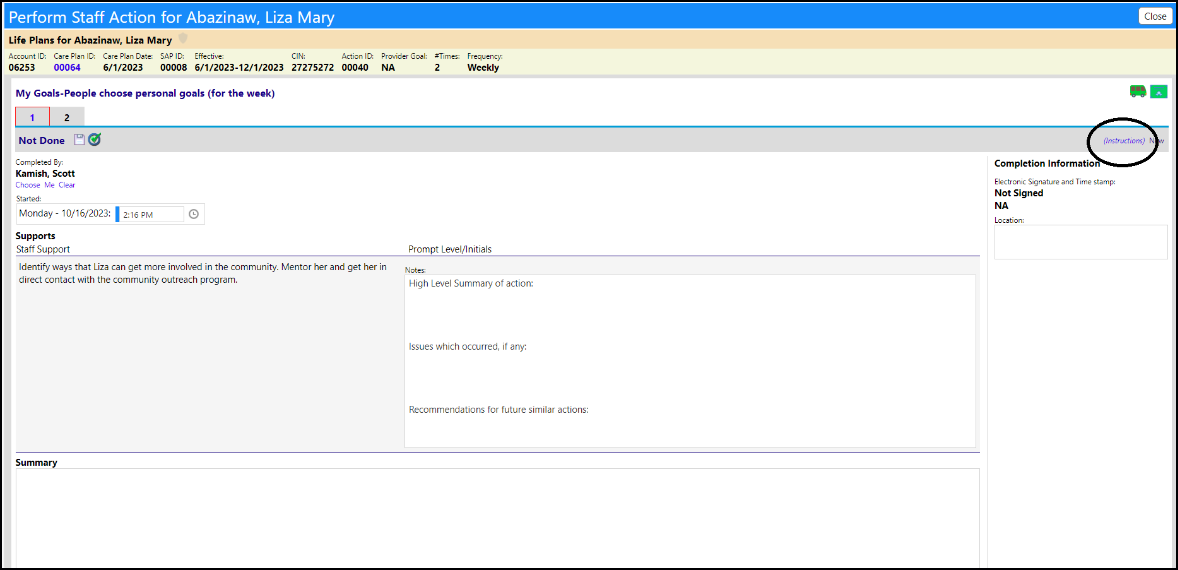
The instructions will display:
